

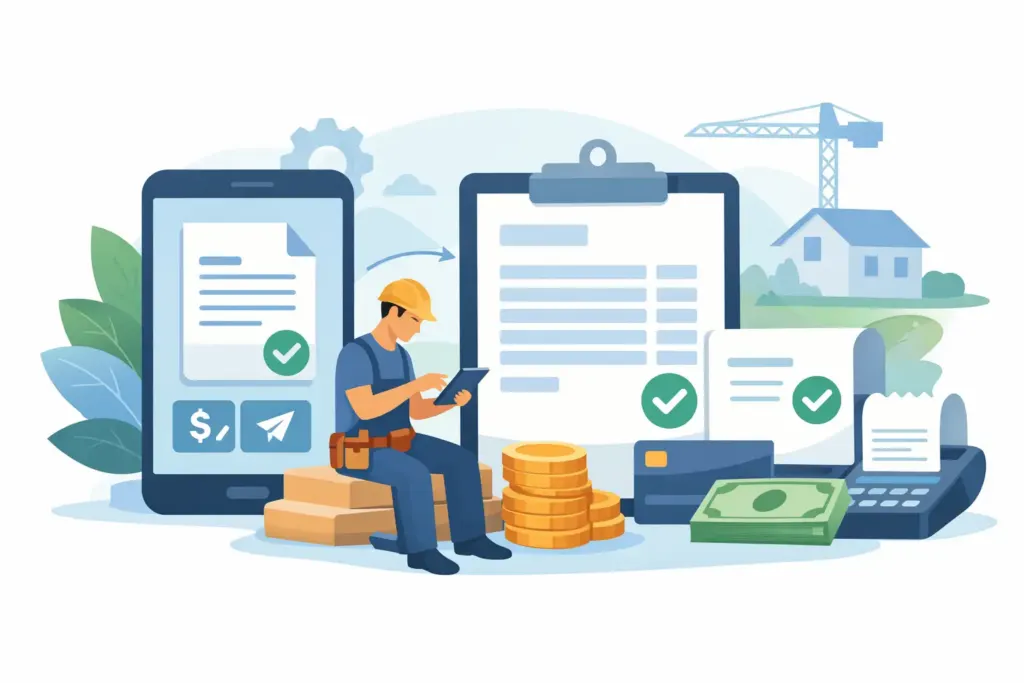
A service call is finished, the customer is ready to pay, and the details are still fresh. That is the moment an invoice app for contractors needs to work. If you have to wait until you are back at a desk, dig through notes, total hours by hand, and find a receipt from the truck floor, a completed job can turn into a delayed payment.
The right app does more than make an invoice look professional. It gives you a faster path from scheduled work to documented labor, payment request, and organized records. For contractors who work from a truck, a jobsite, or a customer’s kitchen table, that difference protects cash flow.
What an Invoice App for Contractors Must Do in the Field
A basic invoice template can send a bill. That may be enough for an occasional freelance project. But a busy electrician, plumber, HVAC technician, remodeler, or repair crew needs the invoice to connect to the work that happened before it.
Start with job details. You should be able to pull up the customer, service address, scope, materials, and prior documents from your phone. When an estimate has been approved or an appointment is complete, converting that information into an invoice should take a few taps, not a full rewrite.
Labor is the next pressure point. Missed hours are not a bookkeeping problem. They are revenue that never gets billed. A useful contractor invoicing app should make it easy to track your own time, capture crew hours, and move approved time into the invoice without reentering it. That keeps labor charges accurate and gives customers a clearer record of what they are paying for.
Then there are expenses. Materials, parking, supply runs, and equipment purchases have a way of piling up during a long week. Camera-based receipt capture lets you record the expense when it happens, attach it to the right job, and avoid the end-of-month hunt for faded paper slips. It also gives your bookkeeper cleaner records when tax time arrives.
Build the Invoice Before the Job Is Forgotten
The fastest invoice is rarely created from a blank screen. It starts earlier, when the job is scheduled and the scope is clear.
For planned work, create an estimate that includes labor, materials, terms, and your branding. Once the customer approves it, keep that document tied to the job. If the scope stays the same, convert the estimate to an invoice when the work is done. If it changes, update the line items while you are still on-site and get the customer aligned before sending the final bill.
For service calls, begin with an appointment. Record the issue, customer contact details, technician assignment, and any notes that matter. When the work is complete, turn that appointment into a billable invoice. This workflow matters because it removes duplicate entry. The same customer name, job notes, labor, and material details should not need to be typed into separate tools.
There is a trade-off here. Very simple apps can be quick for one-off invoices, but they often leave scheduling, estimates, receipts, and time tracking scattered across texts, notebooks, and spreadsheets. Full accounting platforms can handle a great deal, but they may be slow or awkward on a phone. Contractors need the middle ground: field-ready tools that handle real work without turning every service call into an accounting project.
Get Paid While the Customer Is Engaged
An invoice does not improve cash flow until the customer can pay it. Sending a professional payment request immediately after the job gives the customer a clear next step while the value of the work is right in front of them.
Offer the payment methods your customers already expect. Card payments, digital wallets, and online payment options reduce the friction of asking someone to write a check or call later with a card number. For larger projects, you may need deposits, progress invoices, or payment terms. For a quick repair, the right move may be collecting payment before you leave the driveway.
The goal is not to pressure good customers. It is to make paying easy and remove the vague promise of “I’ll take care of it tonight.” Clear due dates, accurate line items, and a payment button create a more professional experience for the customer and a more predictable collection process for your business.
Payment processing fees are worth considering, especially on high-dollar invoices. But compare that cost with the time spent following up on checks, the risk of late payment, and the cash flow value of getting paid sooner. The best choice depends on your average ticket size, customer base, and how often you extend credit.
Keep Crew Time and Job Costs From Slipping Away
When you run a crew, billing is only as accurate as the time records behind it. A technician may remember the work completed but forget to report an extra hour at a second site. A foreman may have the details in a text message. By Friday, the exact timeline is harder to reconstruct.
Persistent time tracking gives each worker a simple way to clock time against the right job. Crew dashboards give the owner or manager a place to review those hours before they become billable. That protects margin and helps you spot patterns, such as jobs that consistently take longer than estimated.
Job cost visibility is not just for large commercial contractors. Even a one-person business benefits from seeing the relationship between estimated work, actual labor, materials, and the final invoice. If you consistently underprice drain cleaning, panel upgrades, or small remodel work, organized records give you the confidence to adjust your pricing instead of guessing.
Choose a Mobile Workflow, Not Just a Mobile Screen
Many platforms have a mobile version. That does not mean they are built for mobile work. If the phone app only lets you view an invoice while the real job setup happens on a desktop, it will not help much when you are standing in a supply house or wrapping up a call.
Test the workflow from start to finish. Can you create a customer, schedule work, build an estimate, track time, scan a receipt, generate an invoice, and request payment from your phone? Can you find old job documents without scrolling through email? Can you use it with spotty service and finish the administrative work before the next appointment?
Look for practical details, too. Branded templates help a small operation look established. Document history helps settle questions about what was quoted or approved. Multi-business management matters if you operate separate entities. Secure payment integrations and data encryption are essential when customer and business information moves through your device.
Let Your Books Stay Current Without Repeating Work
Your invoicing workflow should not create a second shift for bookkeeping. When invoices, payments, expenses, and customer records have to be entered again into accounting software, errors and delays are almost guaranteed.
Real-time synchronization with QuickBooks Online can reduce that duplicate work. The key is to set up categories and workflows carefully from the beginning. Syncing bad data faster does not fix the problem. Take time to decide how you will label income, expenses, taxes, deposits, and customer records, then keep your team consistent.
InvoiceGenie Pro is built around this field-to-payment workflow: create documents on-site, track crew time, capture receipts with your camera, accept payments, and keep QuickBooks Online records current without being tied to a desktop.
A Better End to Every Job
The best invoicing process feels almost invisible because it happens as the work moves forward. Schedule the job, document the scope, capture labor and receipts, send the invoice, and give the customer a simple way to pay. Each step takes less time when it is connected to the next.
Ditch the paper clutter and stop relying on memory at the end of the week. When your invoice app works where you work, every completed job has a better chance of becoming collected revenue before the details disappear.