


Invoice App for Contractors: Create, Send & Get Paid Faster
If you’re a contractor, freelancer, or service business owner, you need a reliable invoice app for contractors. InvoiceGenie Pro delivers every tool for field invoicing. Whether you invoice from job sites or on the road, it puts your entire billing workflow in your pocket. So stop chasing payments with spreadsheets and email threads. Create, send, and track invoices from your phone in seconds.
Professional Invoicing From Any Job Site
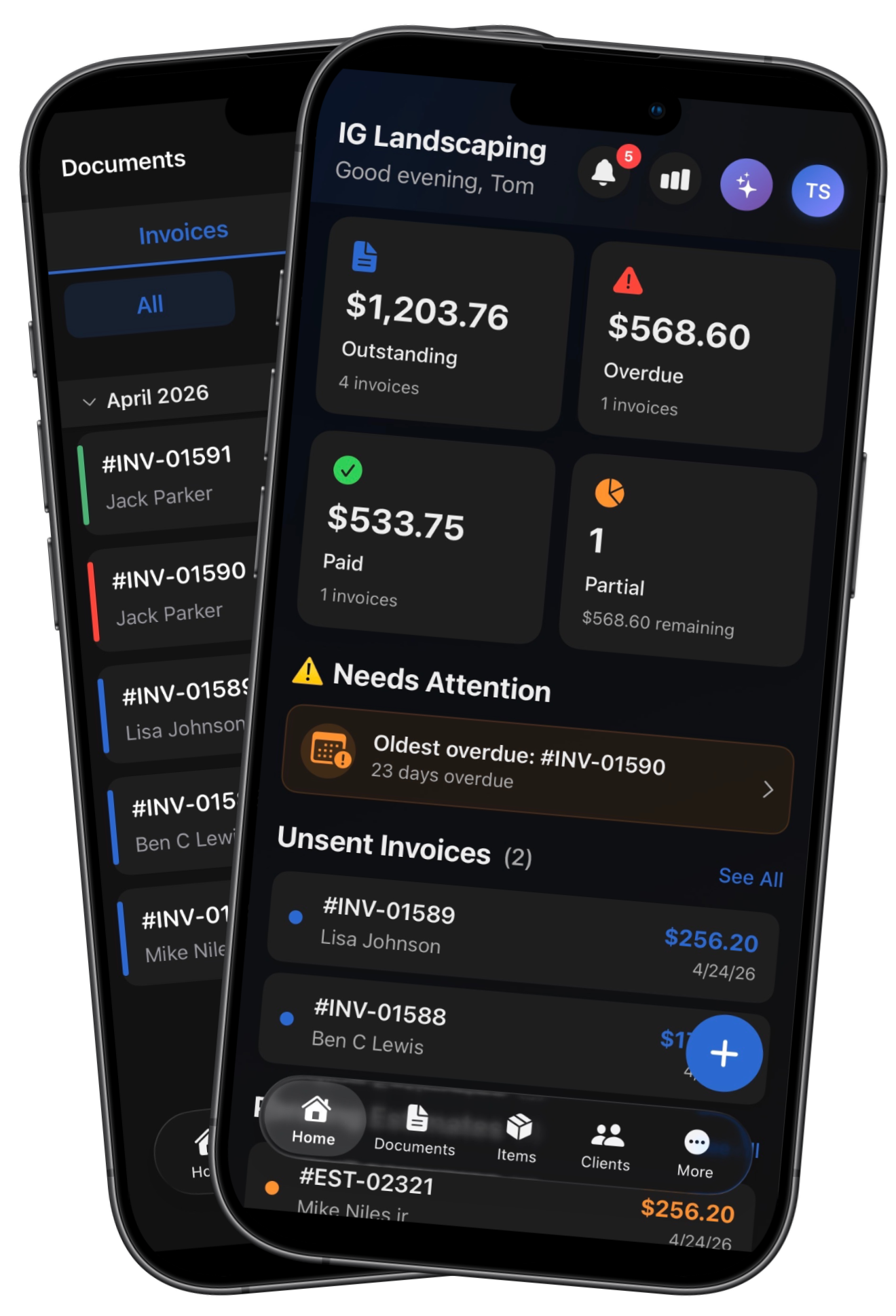
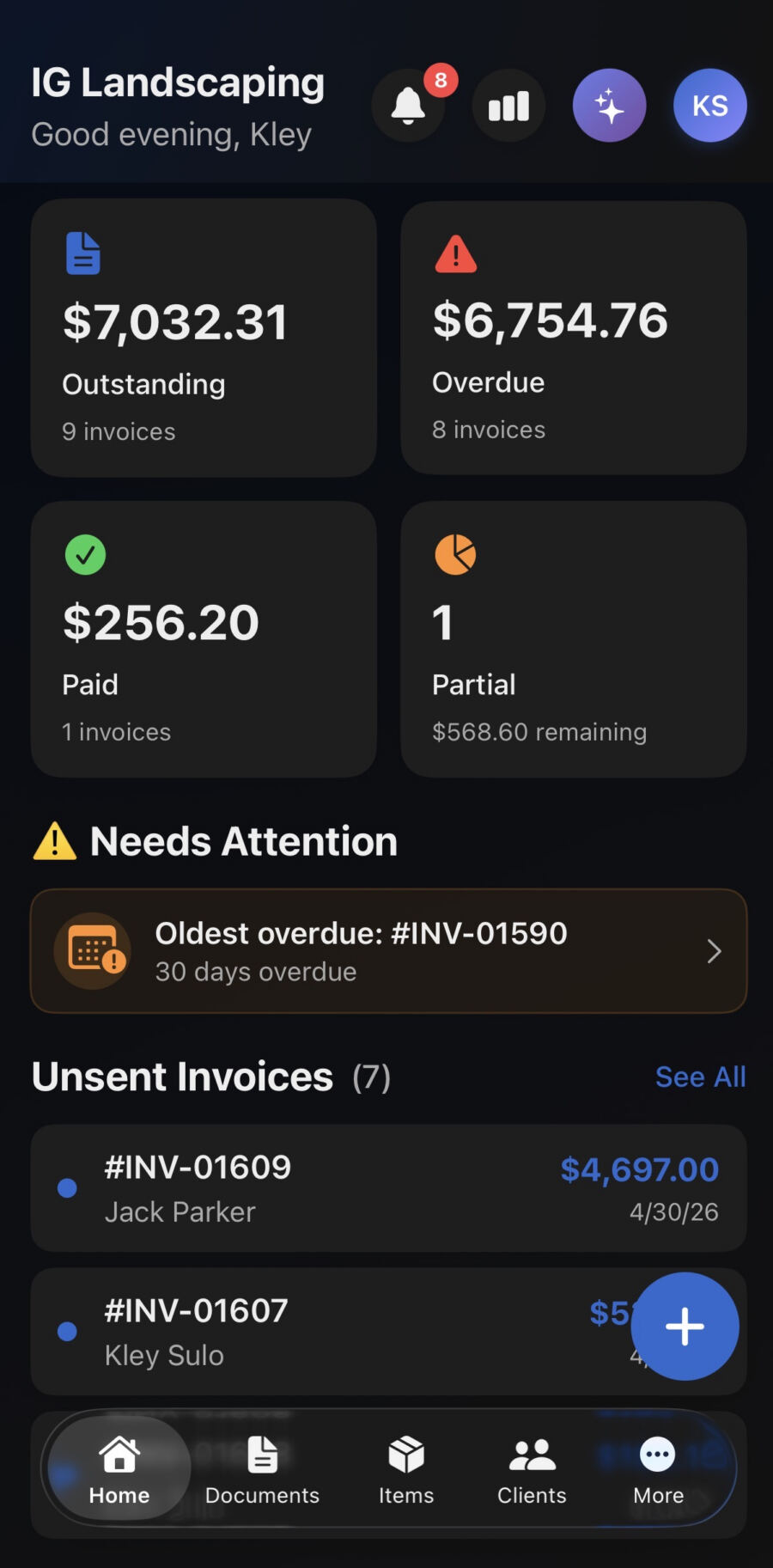
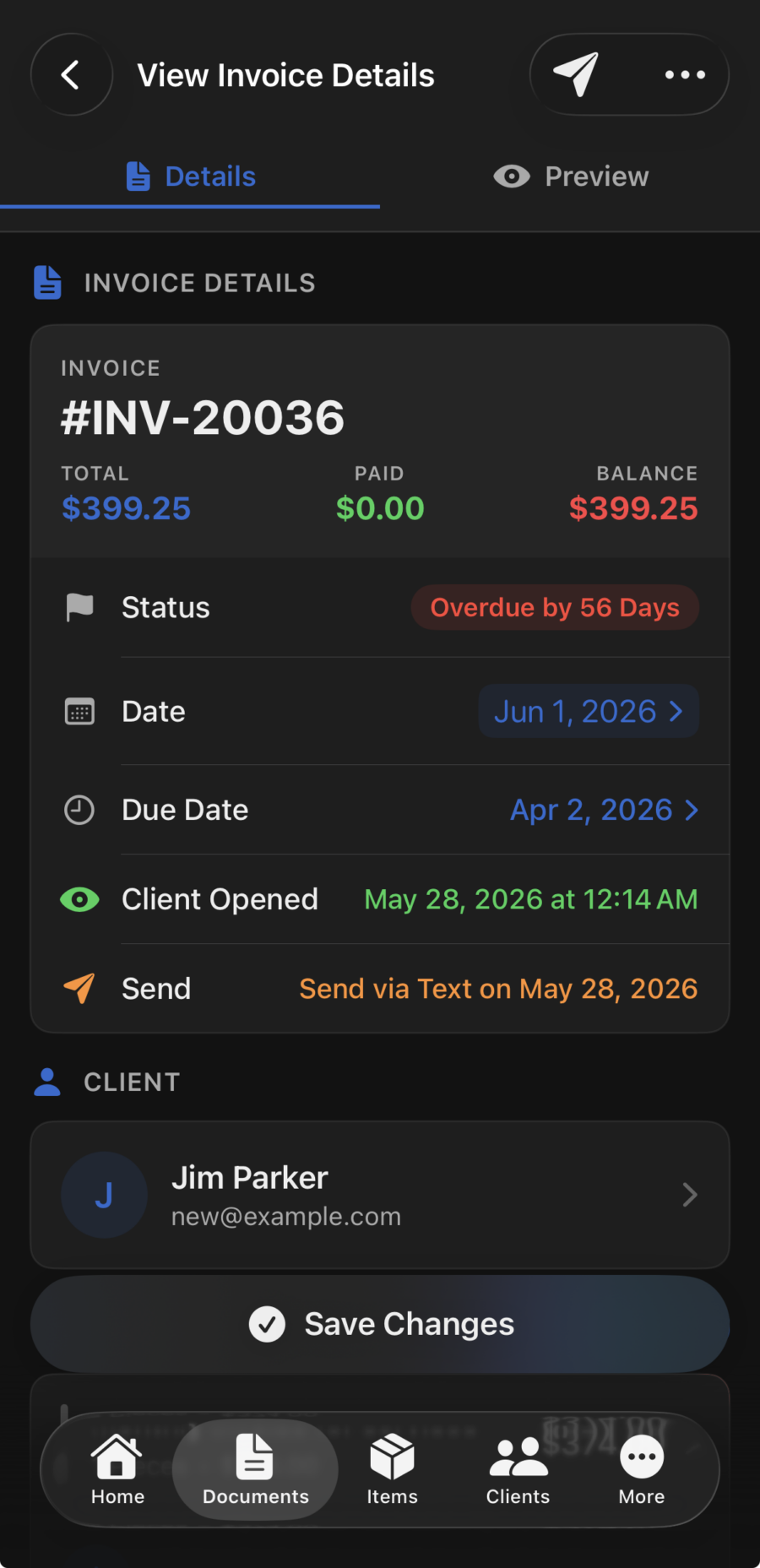
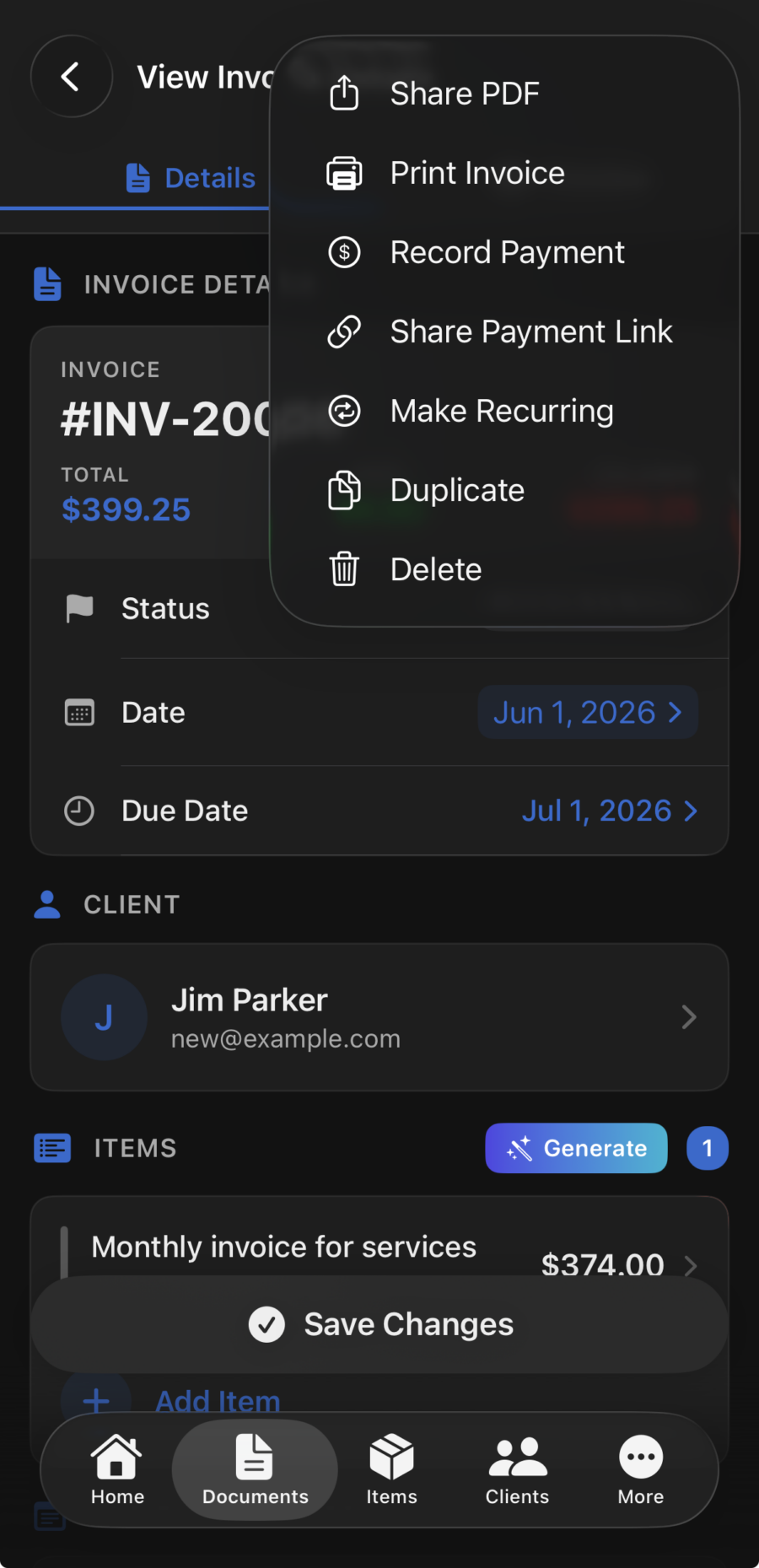
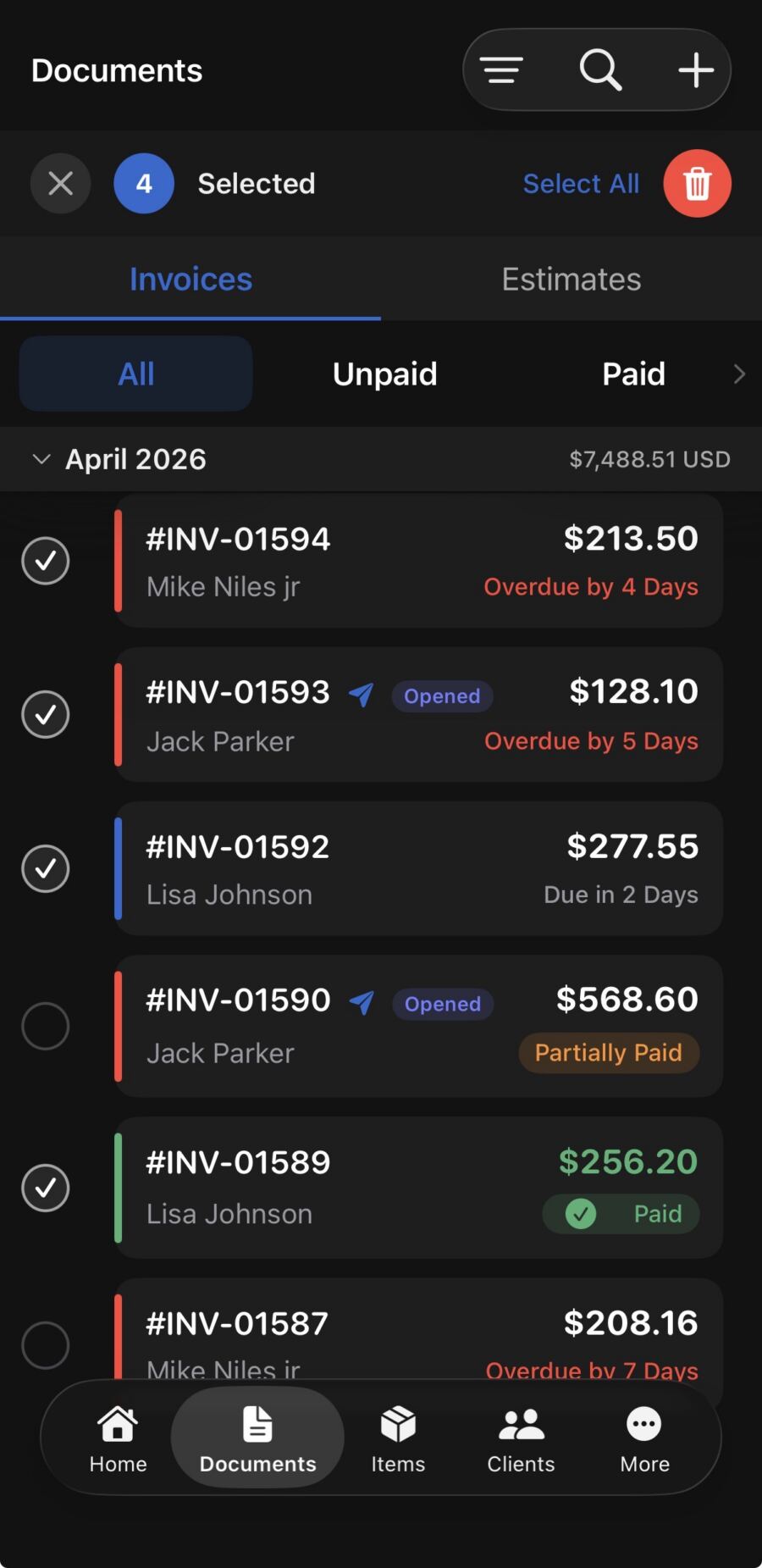
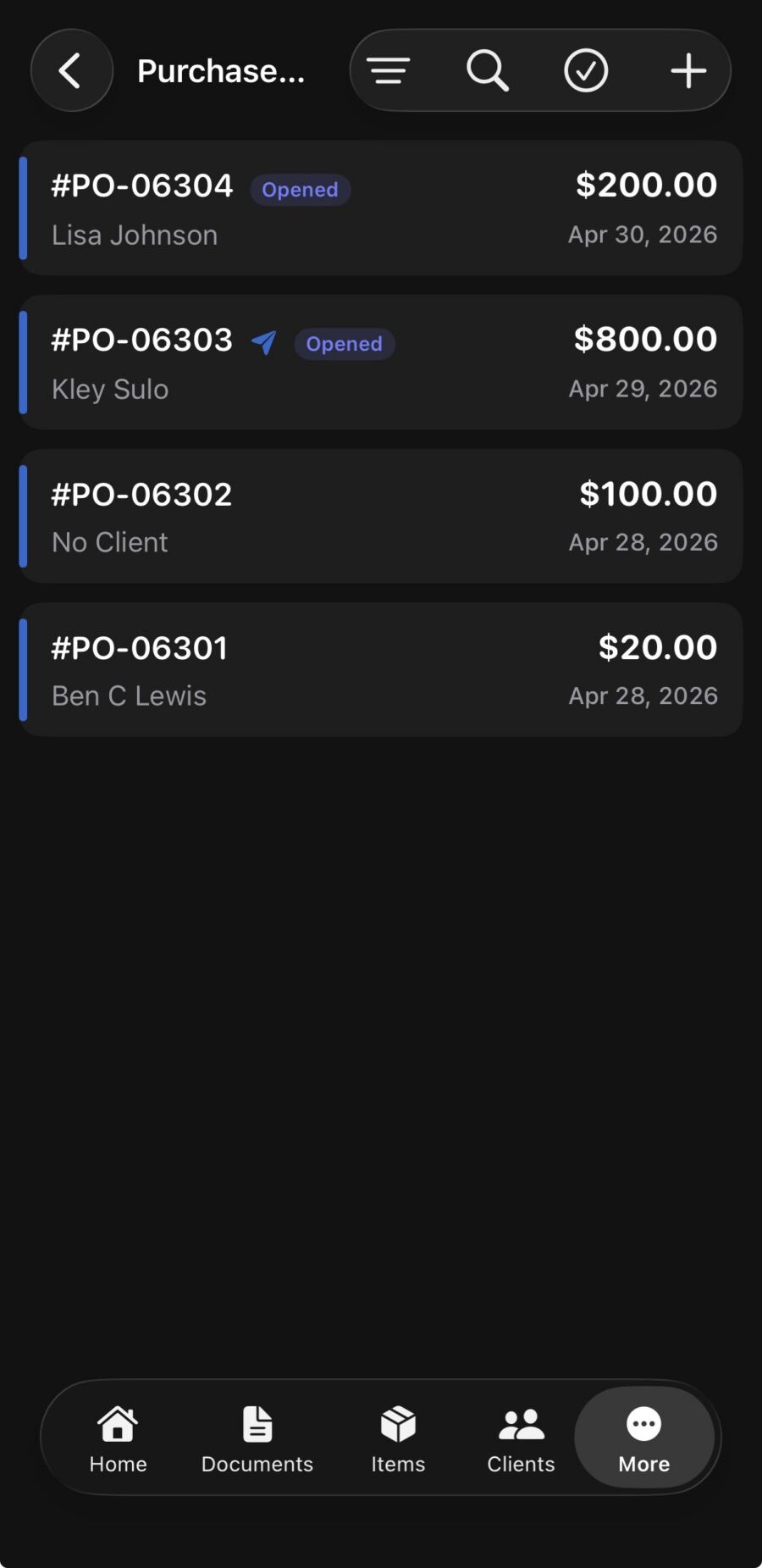
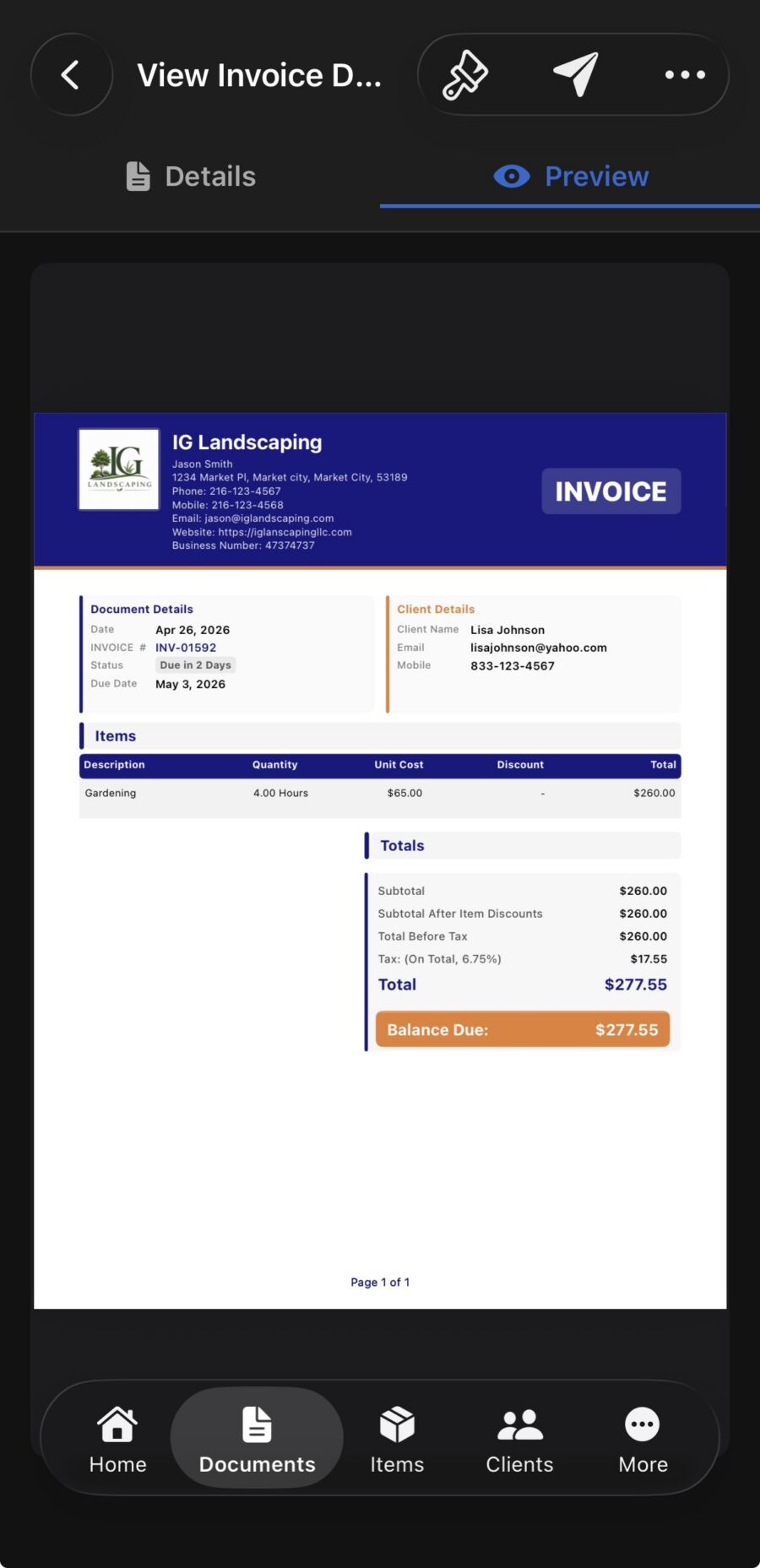
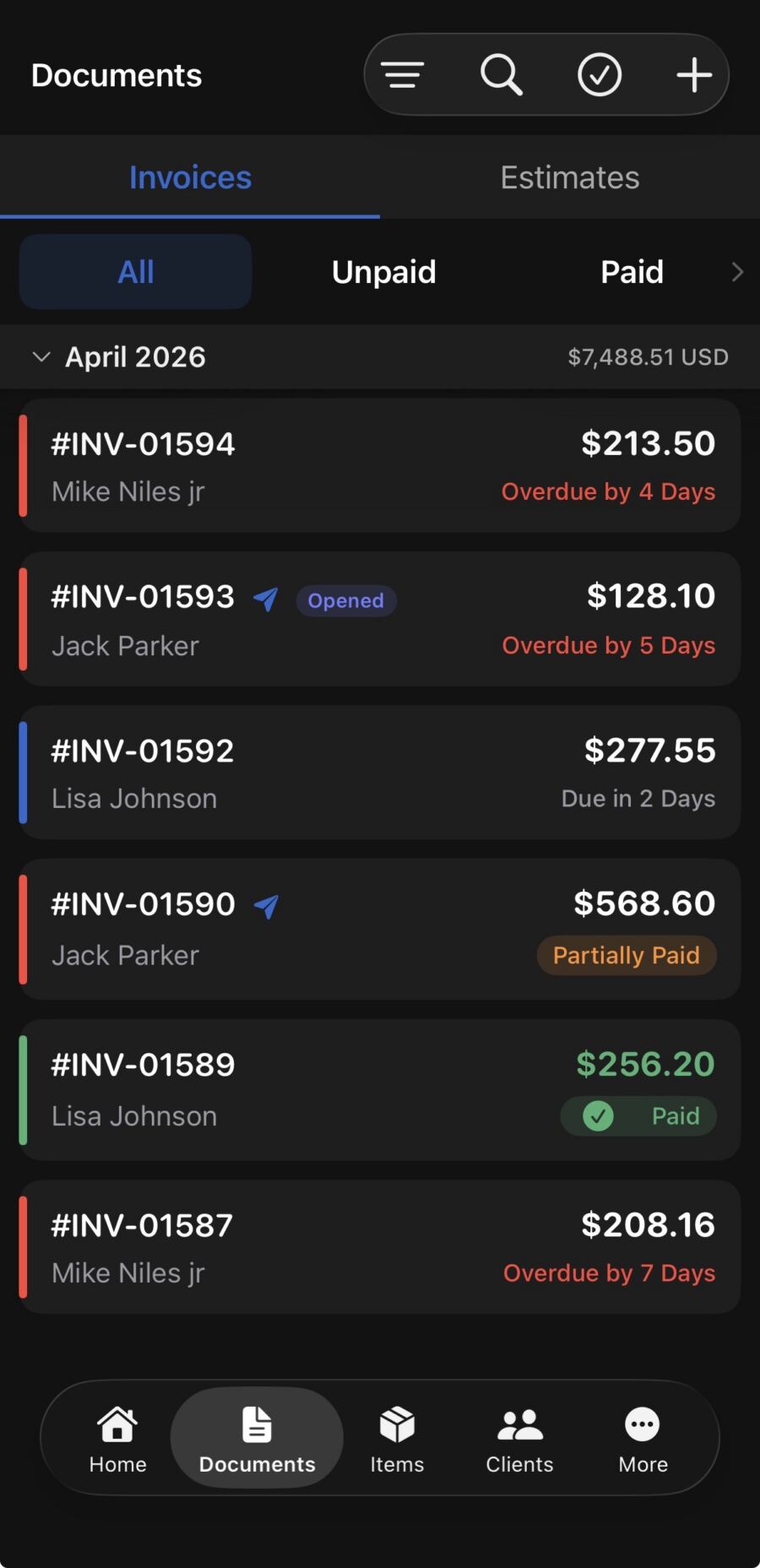
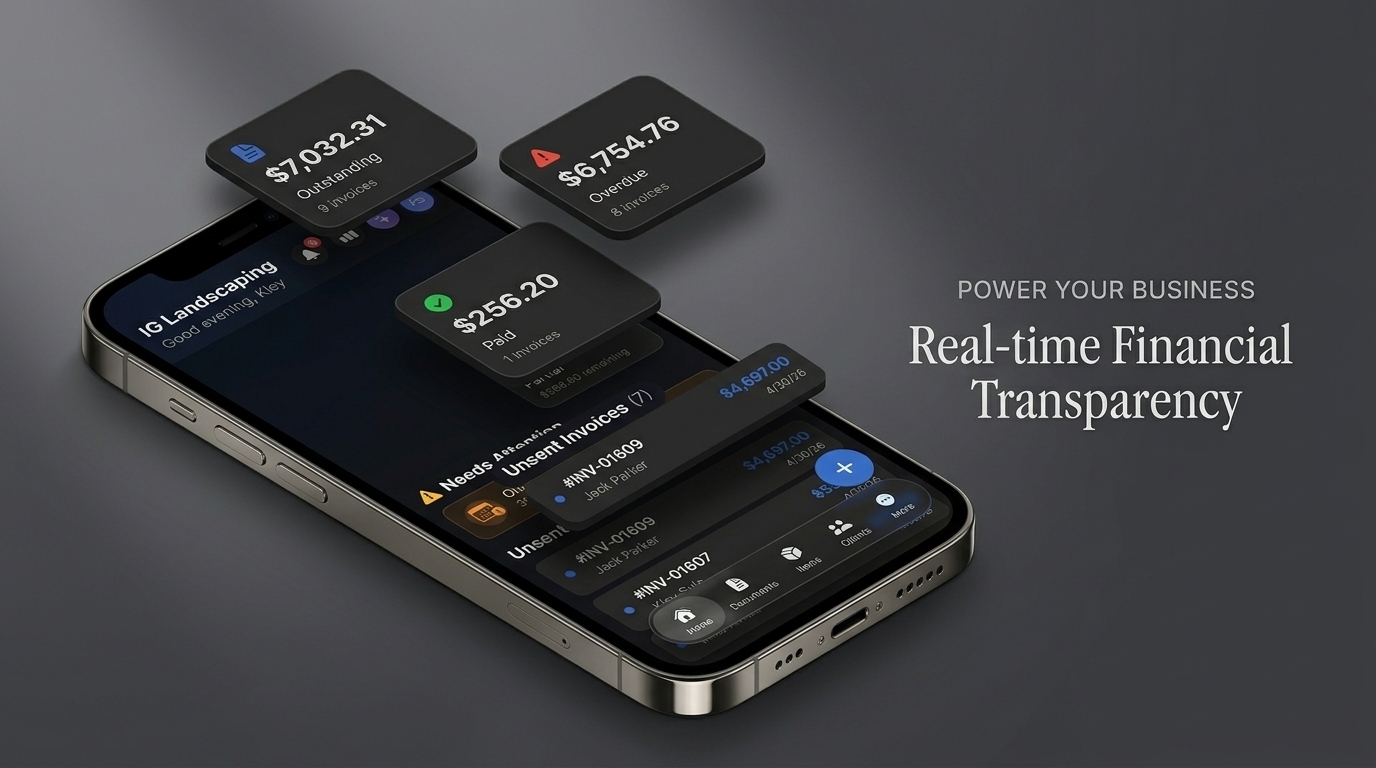
InvoiceGenie Pro is the invoice app for contractors that works where you do. Use it on the road, at a client’s property, or in the field. First, create polished, professional invoices in under a minute. Add your business logo, itemize labor and materials, and apply taxes and discounts. Then send the invoice directly to your client by email or SMS. InvoiceGenie Pro tracks every invoice, so you always know what you sent, what clients viewed, and who paid. You don’t need a laptop.
Get Paid Faster with Built-In Payment Processing
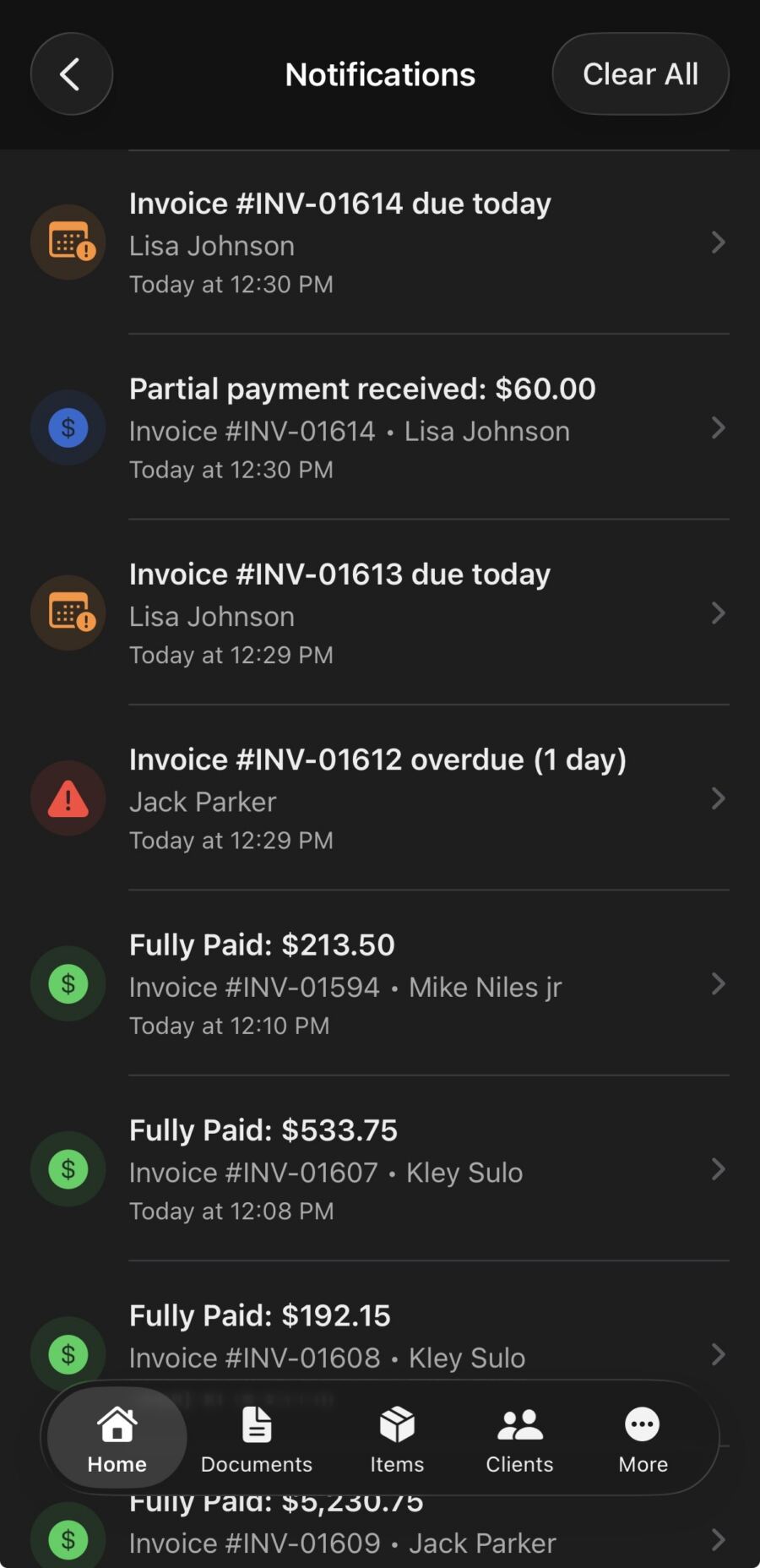
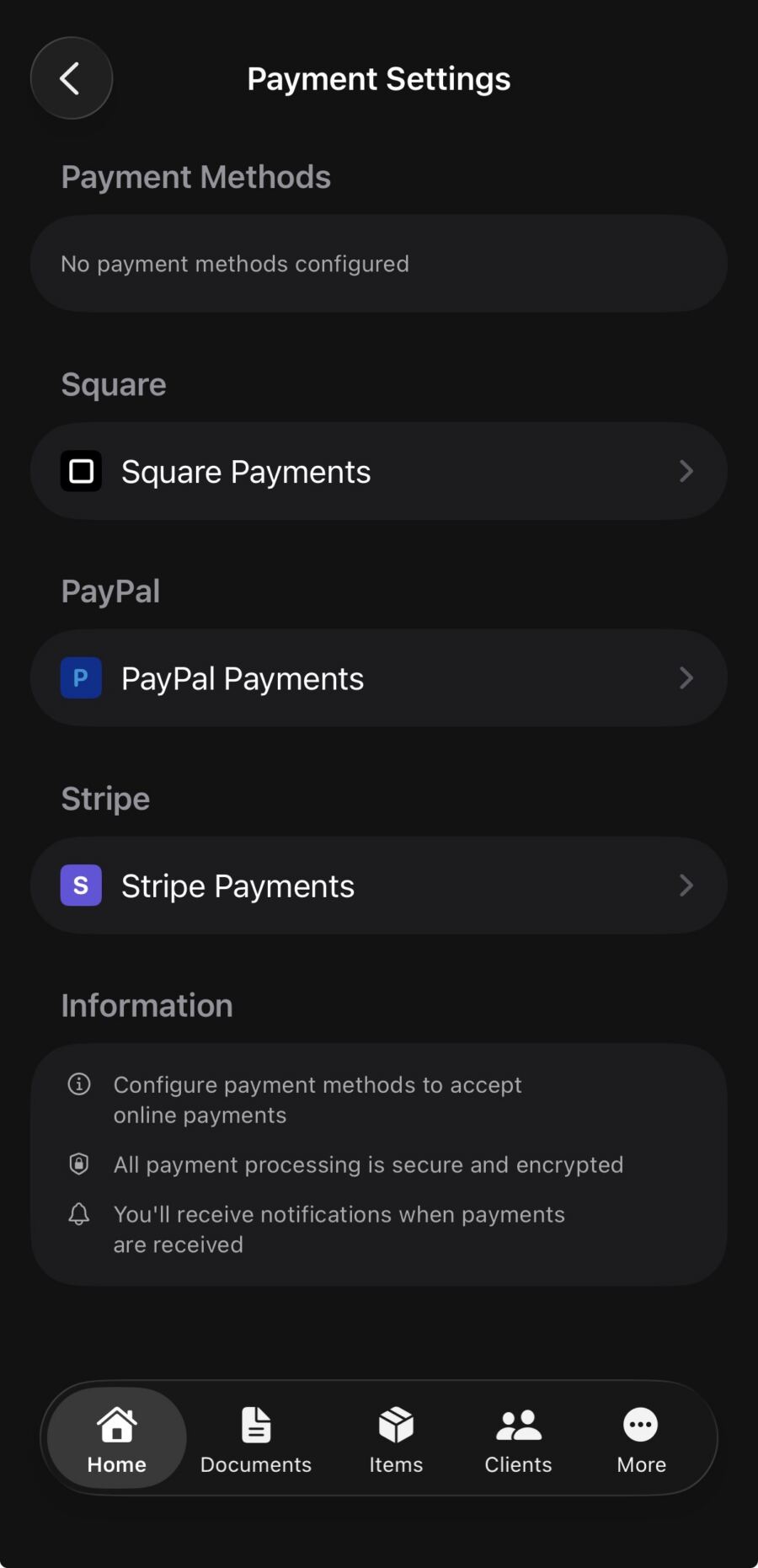
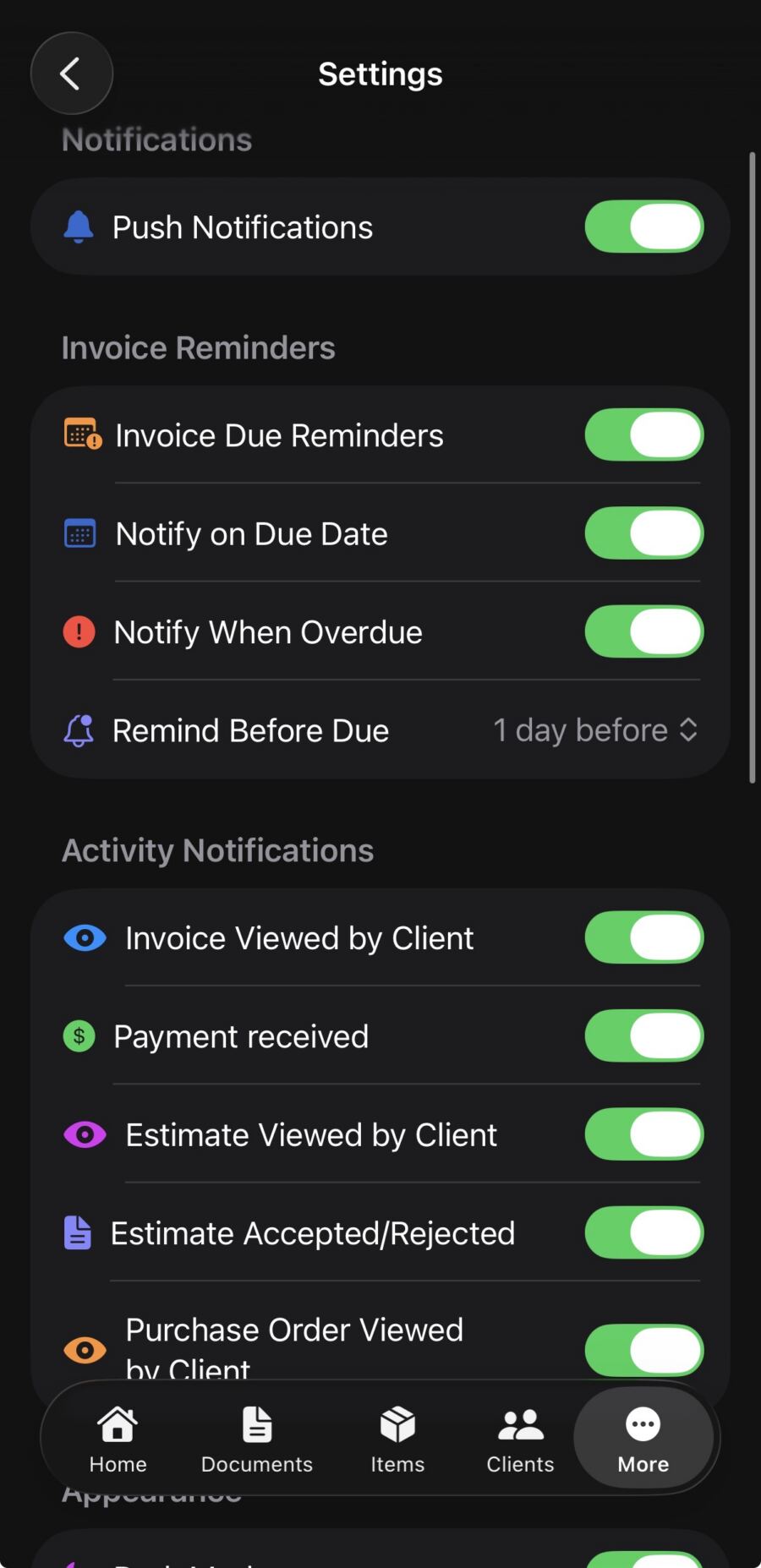
Slow payment is one of the biggest pain points for contractors. InvoiceGenie Pro therefore connects directly with Square, PayPal, and other payment processors. As a result, clients pay their invoice online with a credit card. Every invoice includes a direct payment link — no back-and-forth, no checks in the mail. You get a notification the moment a client pays, and your records update automatically. Consequently, you get fewer late payments and more time for your business.
Send Estimates That Win More Jobs
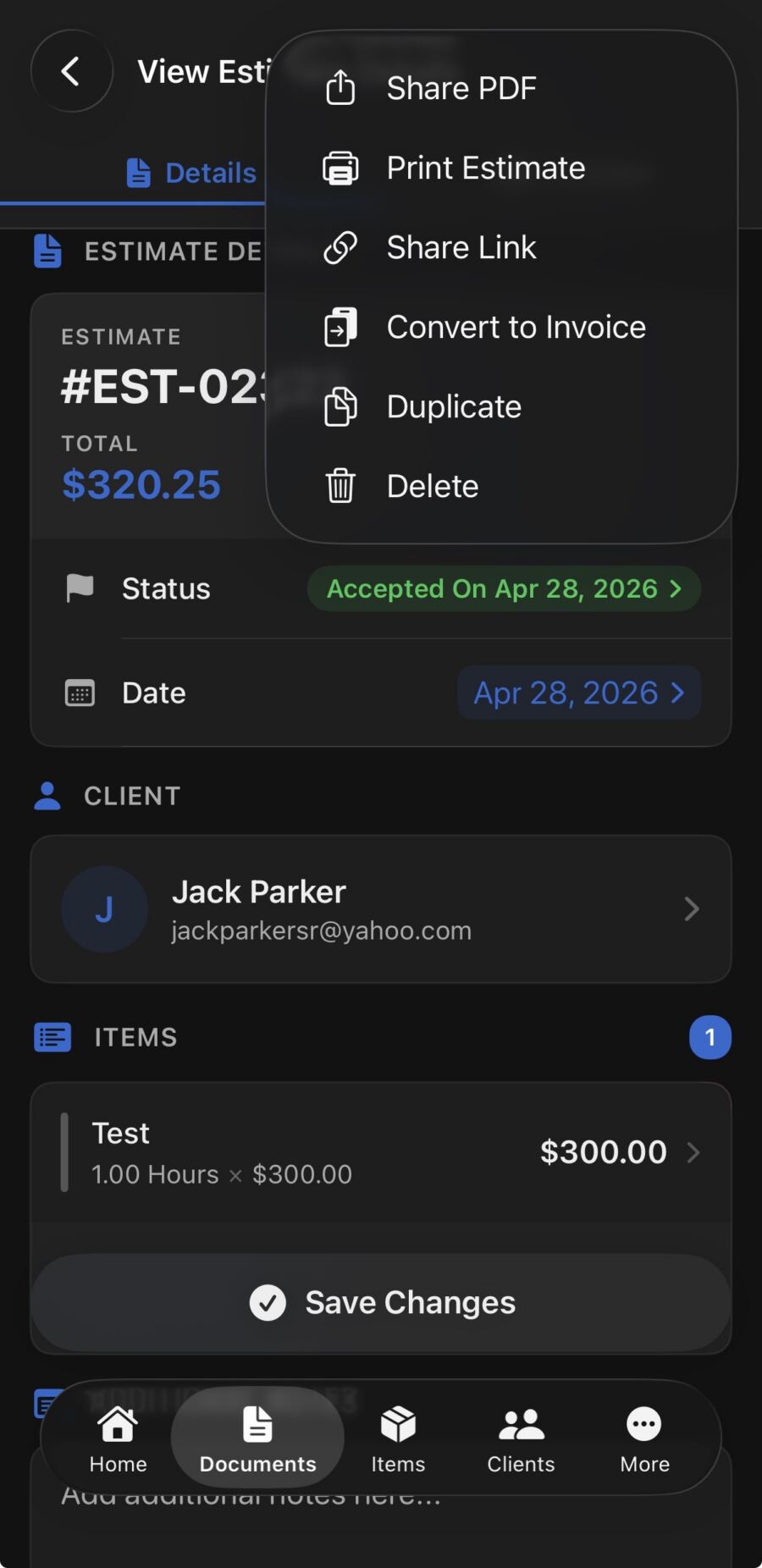
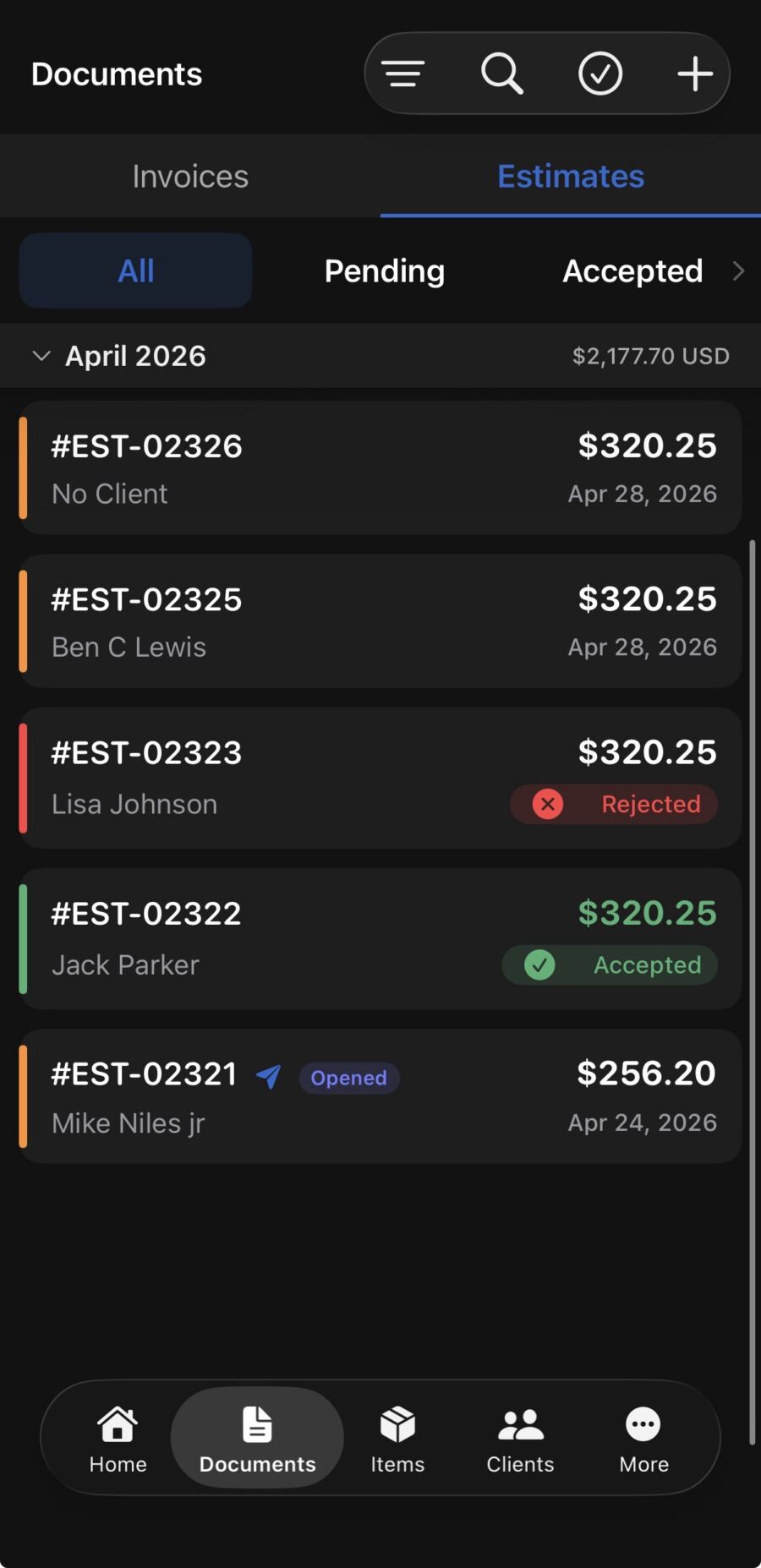
Before the invoice comes the estimate. InvoiceGenie Pro lets you build detailed, itemized estimates and send them to prospects instantly. Clients can review and approve estimates right from their phone. Once the job wraps up, convert the estimate to a final invoice in one tap — no re-entering line items. For contractors bidding on multiple jobs at once, that speed makes a real difference in landing more work.
Manage Your Crew and Track Time on Every Job
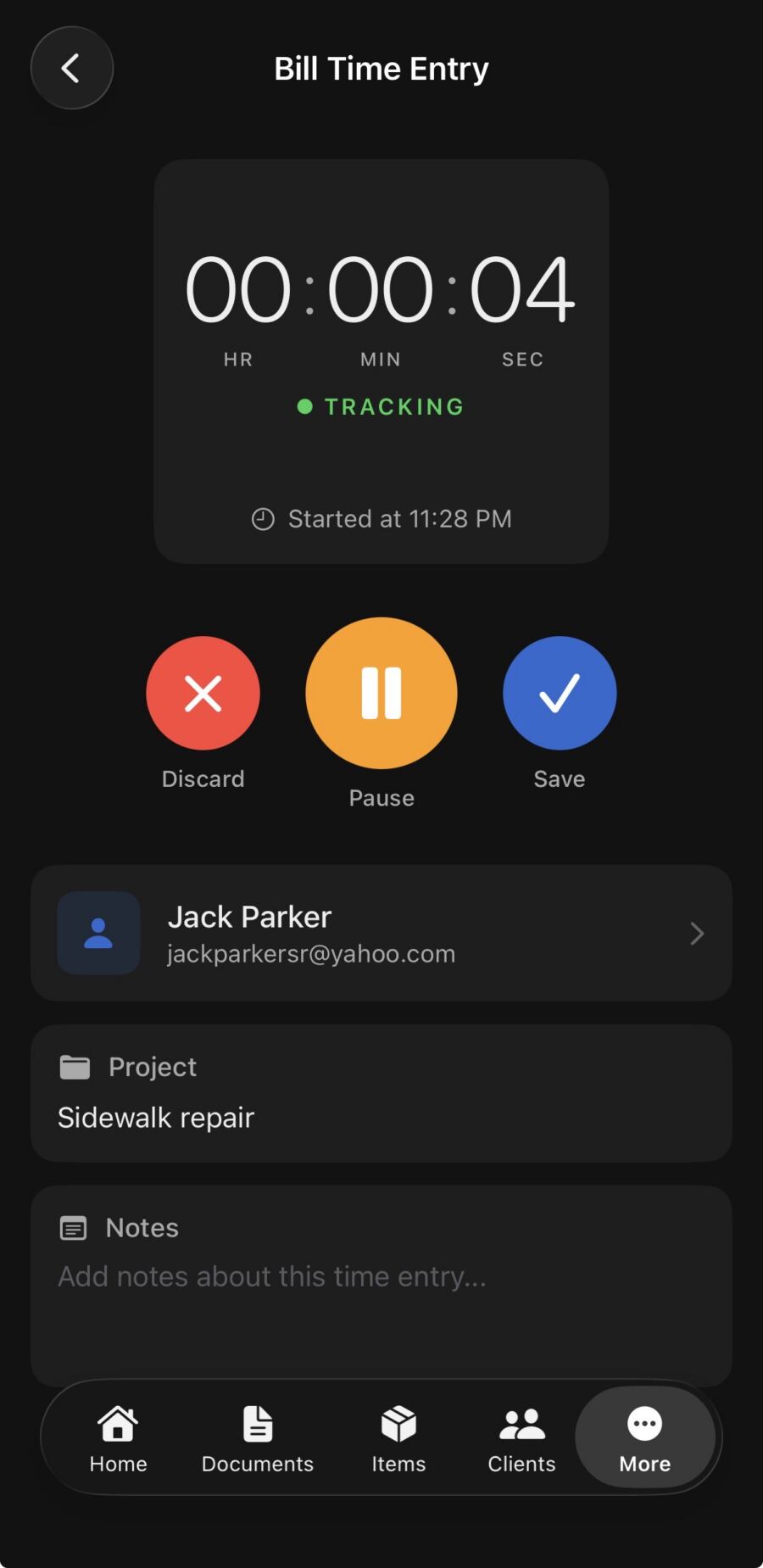
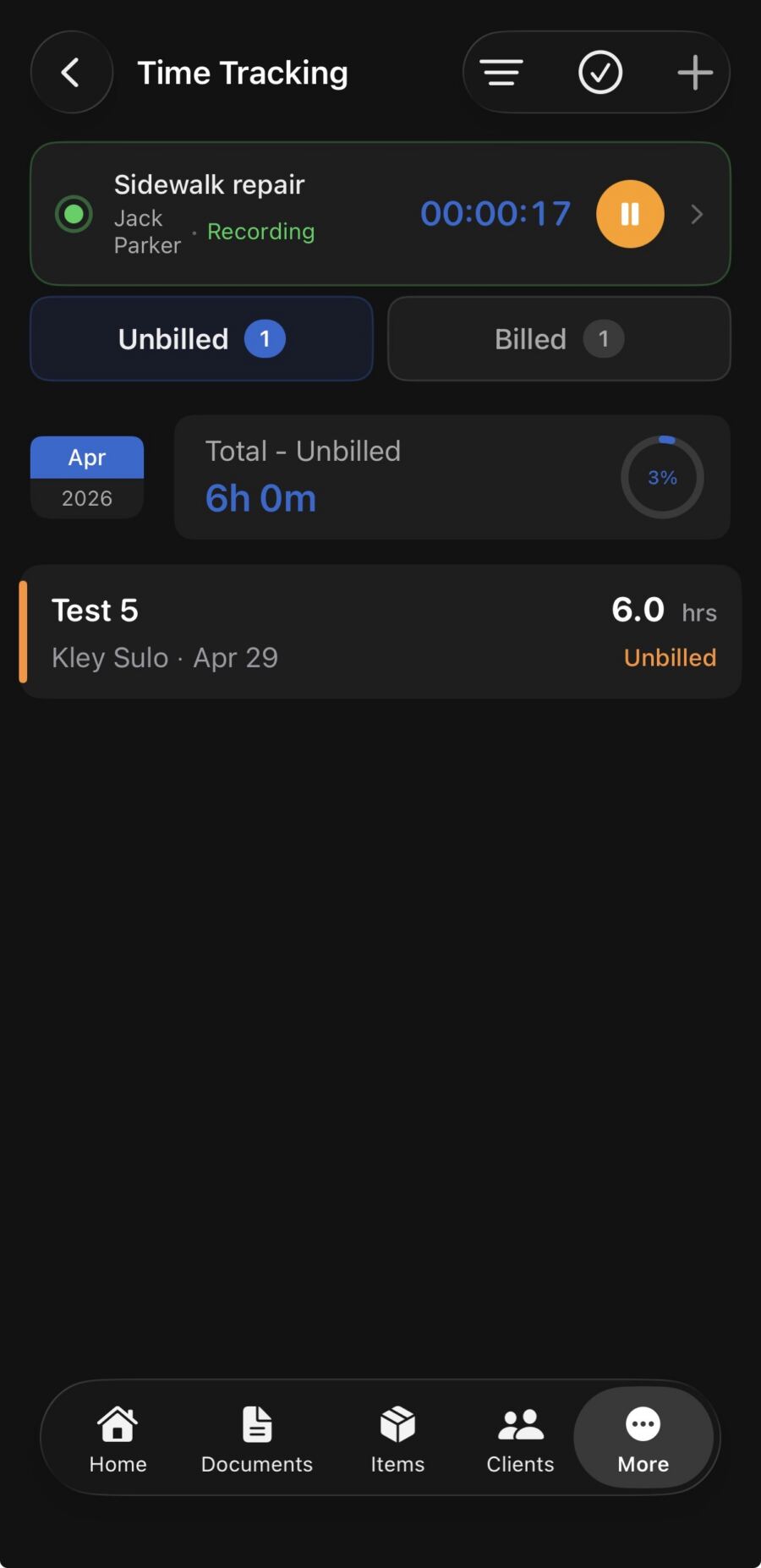
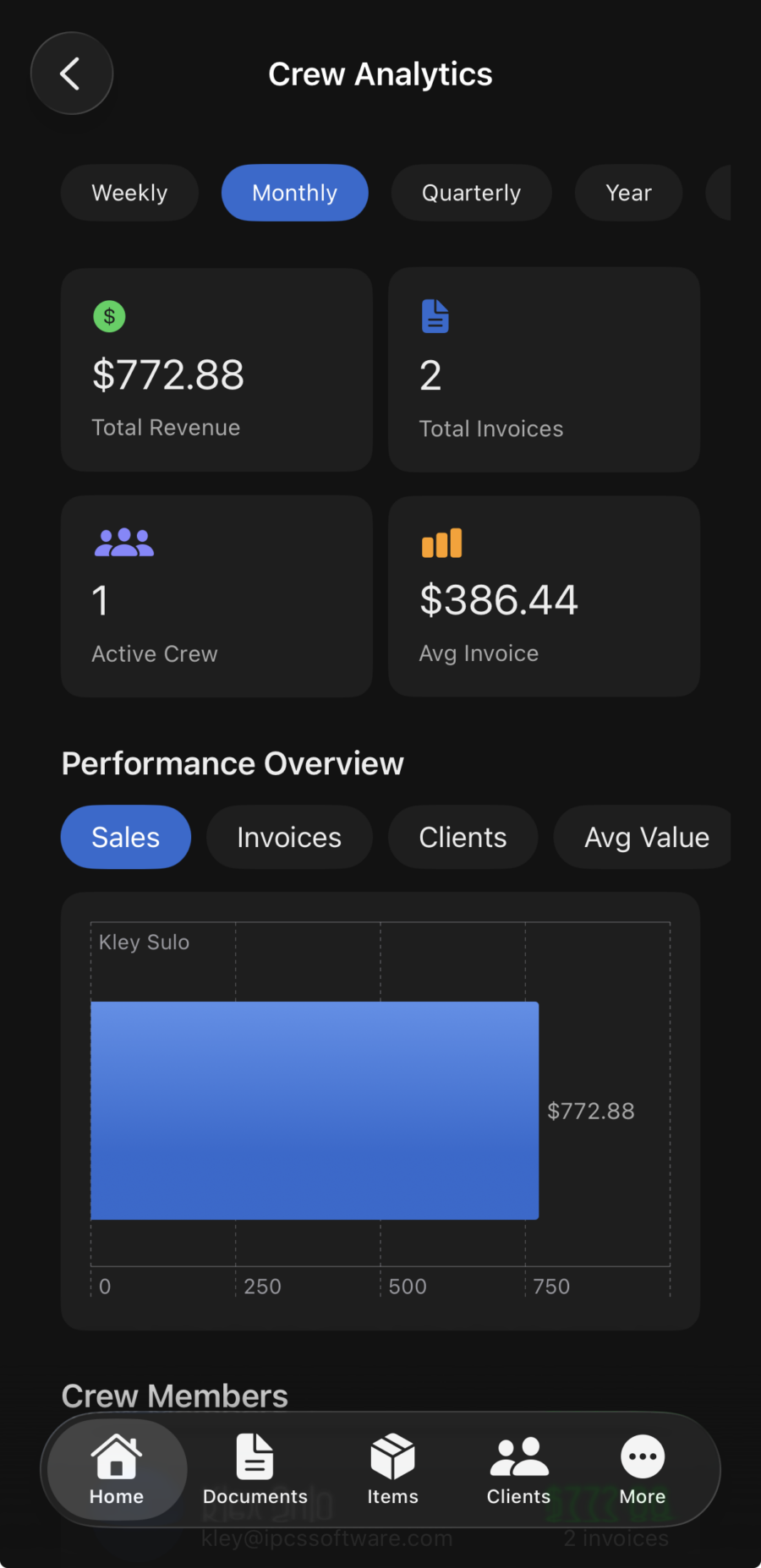
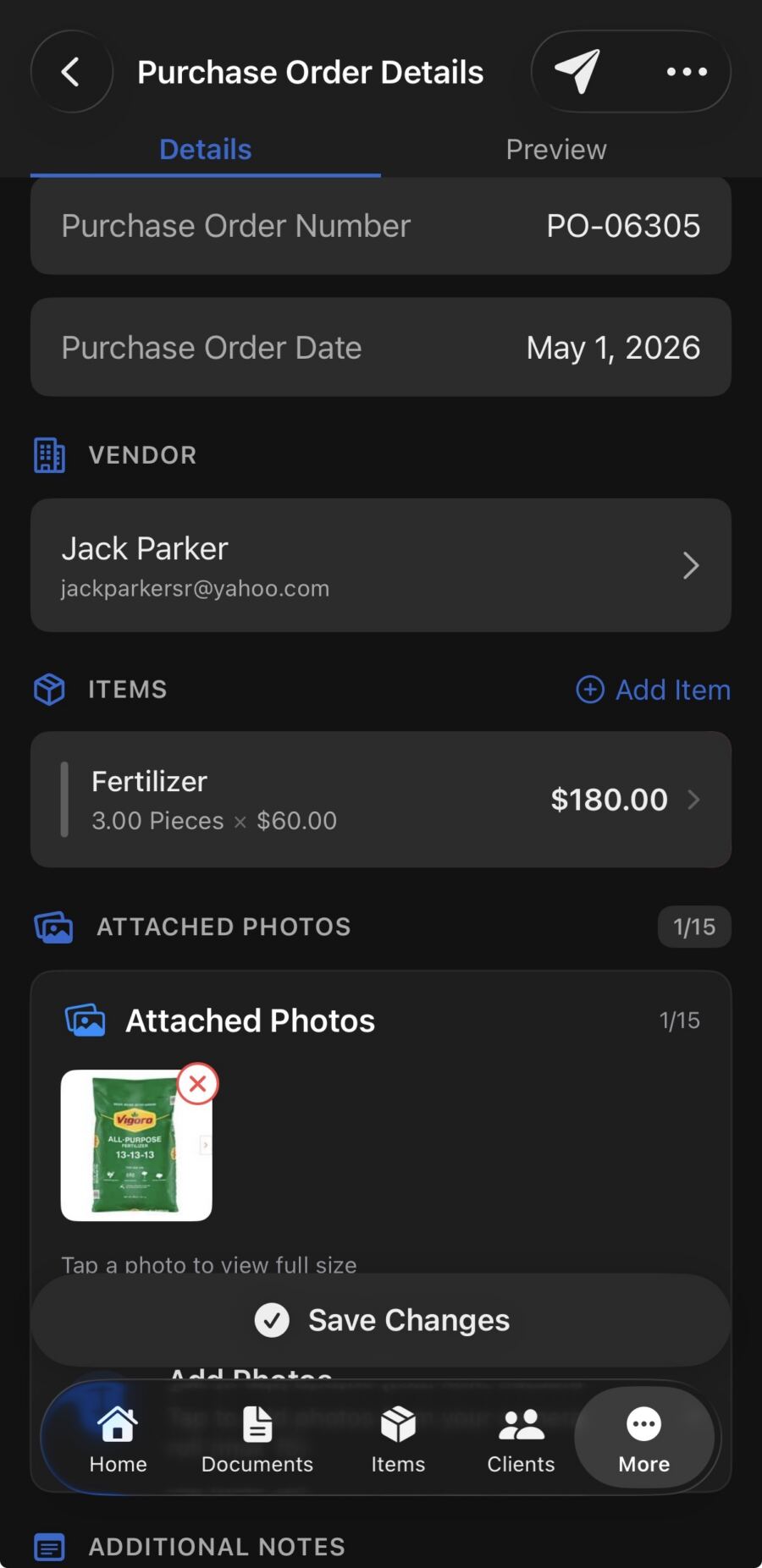
InvoiceGenie Pro also goes beyond invoicing. The built-in crew management tools let you add team members, assign jobs, and log hours directly in the app. In addition, time entries link automatically to invoices, so you bill labor accurately every time. Whether you manage one helper or a full crew, you keep a clear record of who worked and when. No more guessing hours at the end of the week.
Manage Multiple Businesses in One App
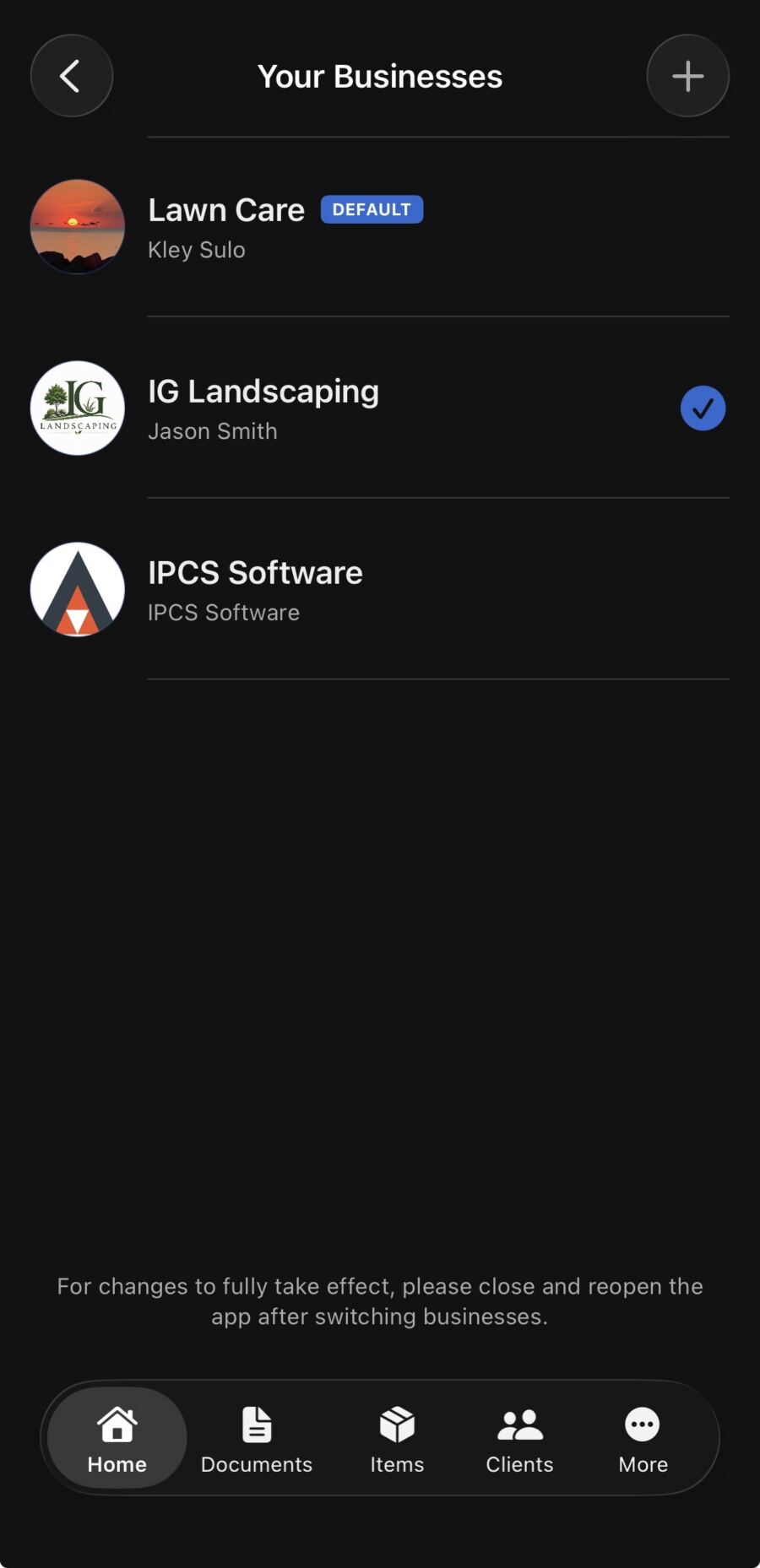
Many contractors run more than one business name or operate across multiple service lines. InvoiceGenie Pro supports multiple business profiles within a single account. Additionally, each profile keeps its own branding, clients, and invoicing history. It’s the flexible invoicing solution that fits the real-world complexity of running a contracting operation. This works well for contractors who operate under different trade names, or run seasonal work alongside a year-round business.
Why Contractors Choose InvoiceGenie Pro Over Desktop Software
Traditional invoicing software targets office workers sitting at desks. InvoiceGenie Pro, however, targets contractors who move from job to job. Unlike bloated desktop programs, InvoiceGenie Pro needs no computer to access. Instead, it gives you a mobile-first invoice app for contractors with everything you need. In short, it’s fast, intuitive, and cuts your admin time instead of adding to it.
Plumbers, electricians, painters, landscapers, HVAC technicians, and general contractors all use InvoiceGenie Pro for their billing. Whether you charge by the hour, by the job, or on a monthly retainer, the app adapts to your workflow. It’s flexible enough for a one-person operation and powerful enough for a team of ten. Furthermore, it handles your paperwork so you focus on work that grows your business and builds your reputation with clients.
Works with Square, PayPal & QuickBooks
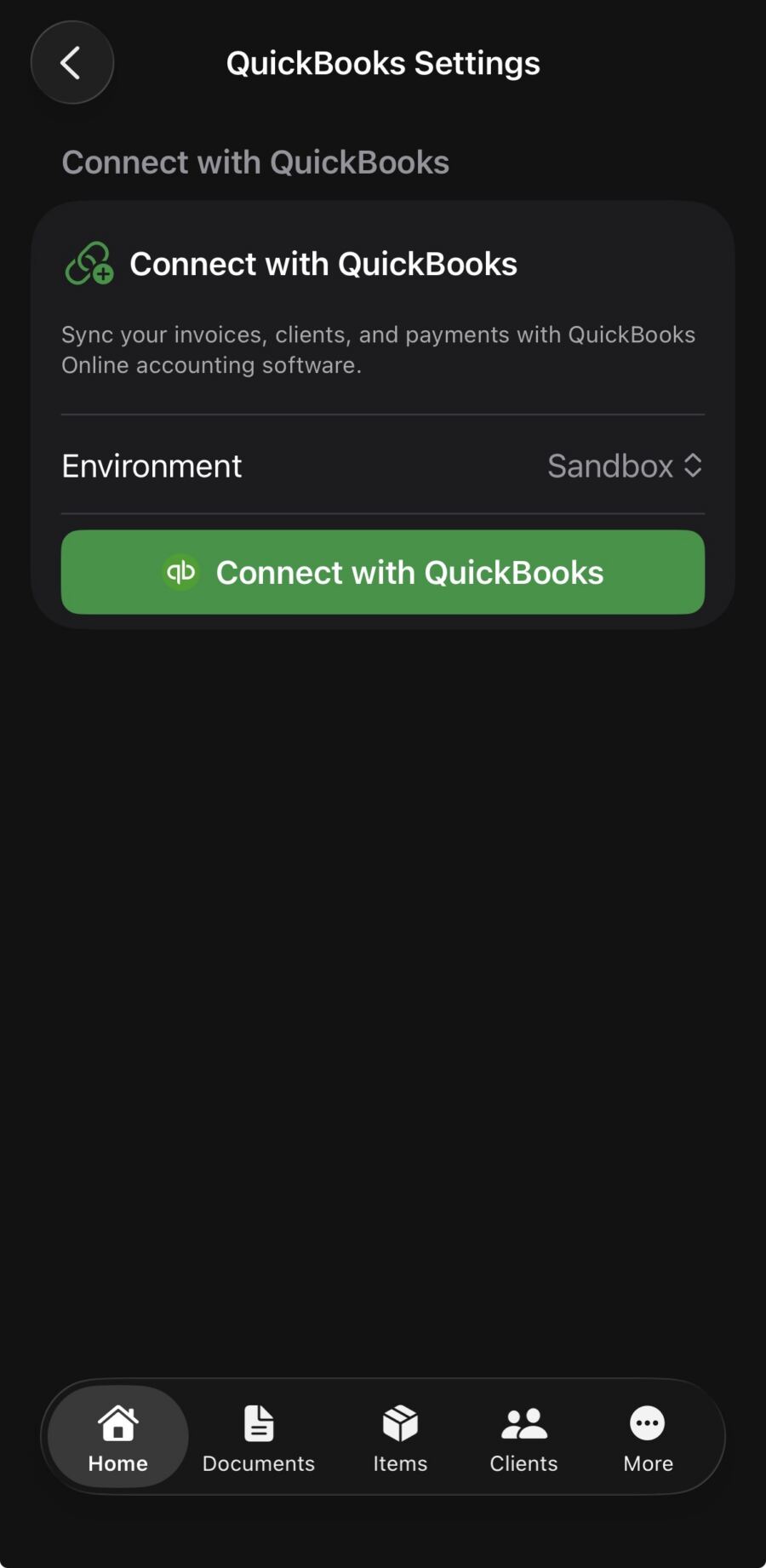
InvoiceGenie Pro integrates with the tools you already use. Accept payments through Square or PayPal directly from your invoice. Also, sync your financials with QuickBooks to keep your bookkeeping accurate without double entry. These integrations make InvoiceGenie Pro a complete billing solution — not just a simple invoice generator. Connect your payment processor once and collect payments automatically every time a client pays.
Secure, Private, and Always Available
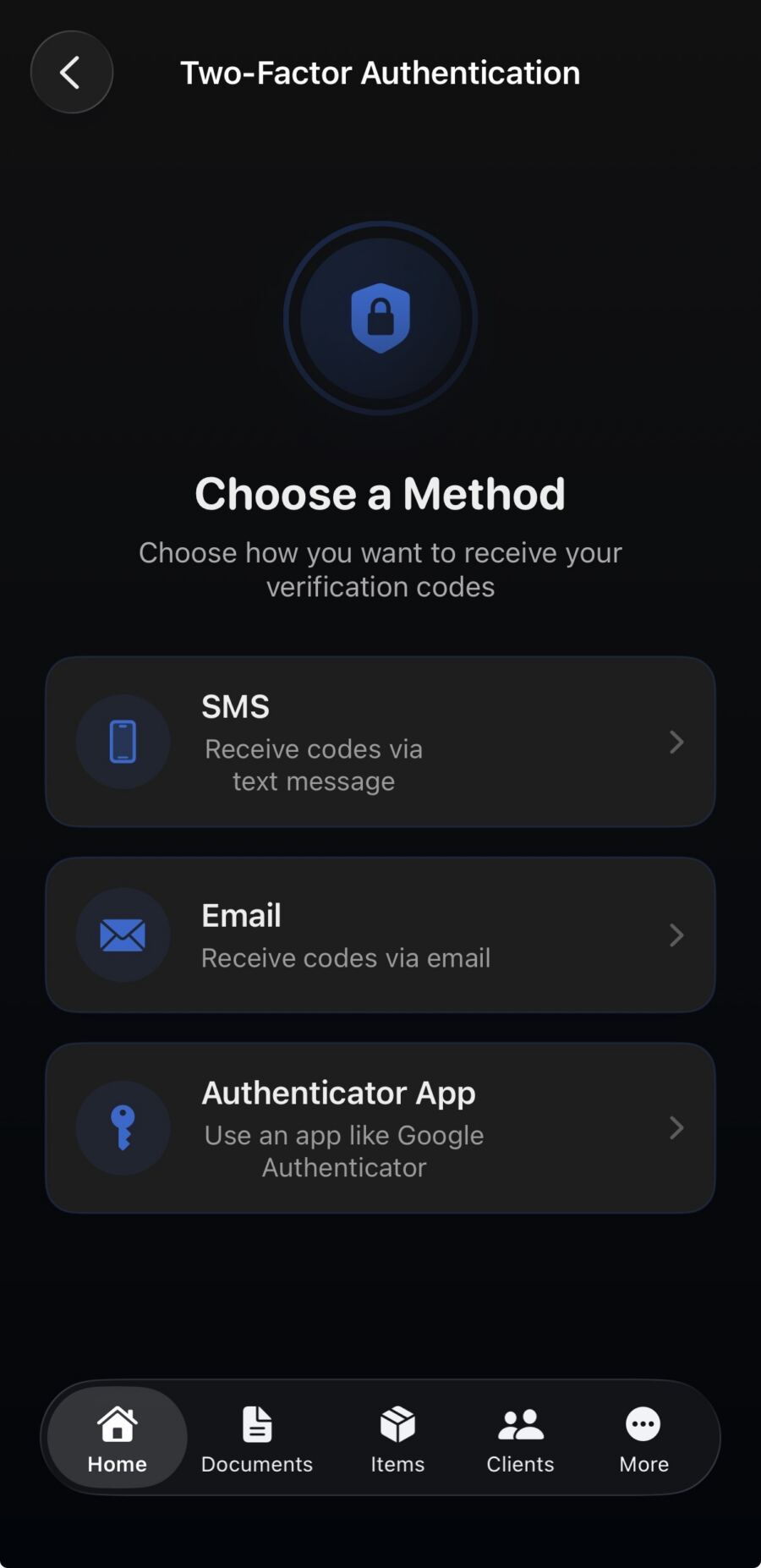
InvoiceGenie Pro uses end-to-end encryption to protect your business data and client information. Your invoices, payments, and client records live securely in the cloud. They’re always available, even when you switch phones or tablets. Moreover, data syncs automatically across all your devices, so your records stay current. Use InvoiceGenie Pro on your iPhone, your Android phone, or the web portal at app.myinvoicegenie.com.
Available on iOS and Android
Download InvoiceGenie Pro from the Apple App Store for iPhone and iPad, and from Google Play for Android devices. Your data syncs across devices, so you manage invoices from your phone and review reports from your tablet. A web portal at app.myinvoicegenie.com gives you browser access from any computer. All three platforms — iOS, Android, and web — stay in sync automatically, so your data is always current.
Download the Invoice App for Contractors — Get Started Today
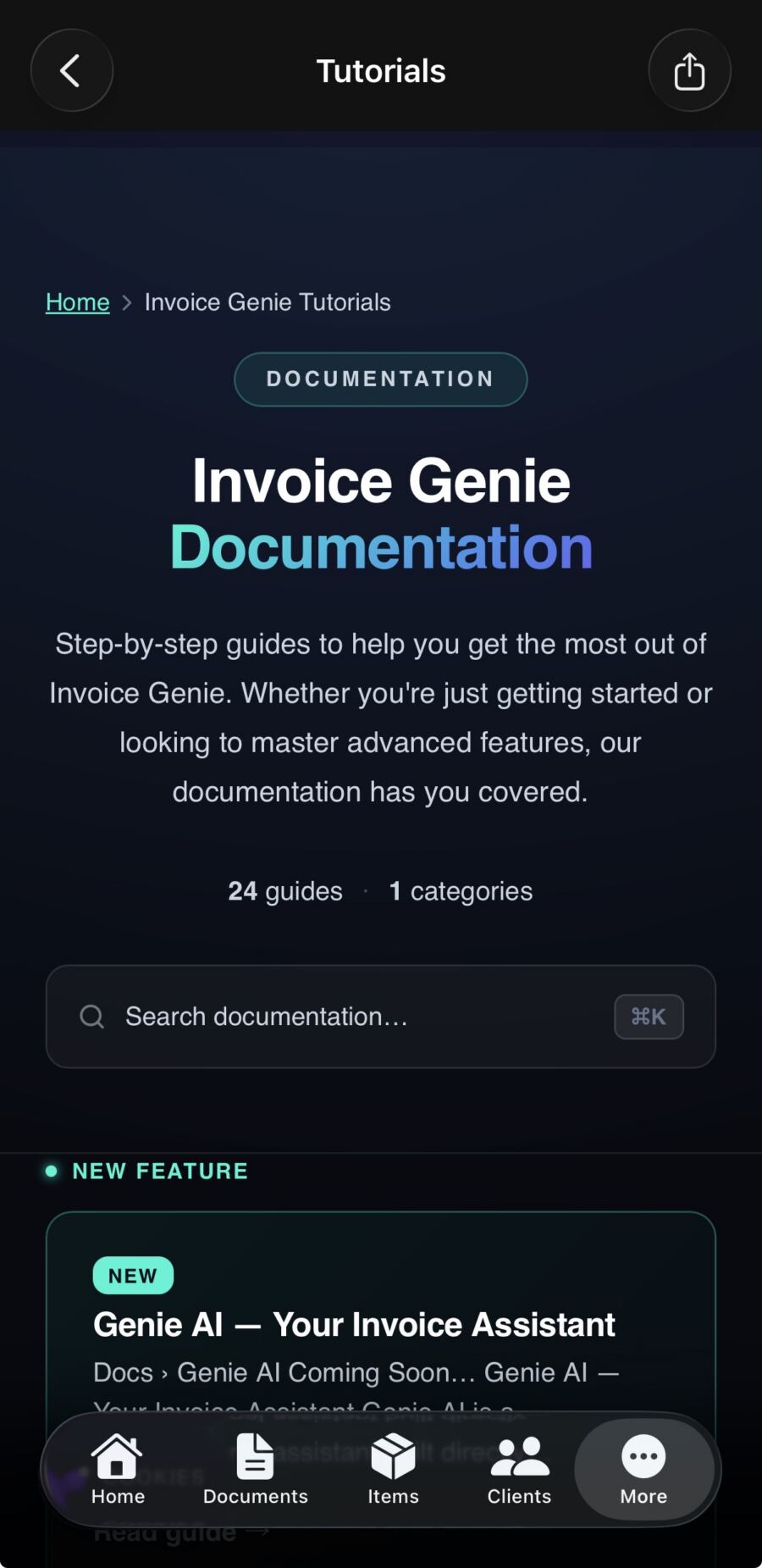
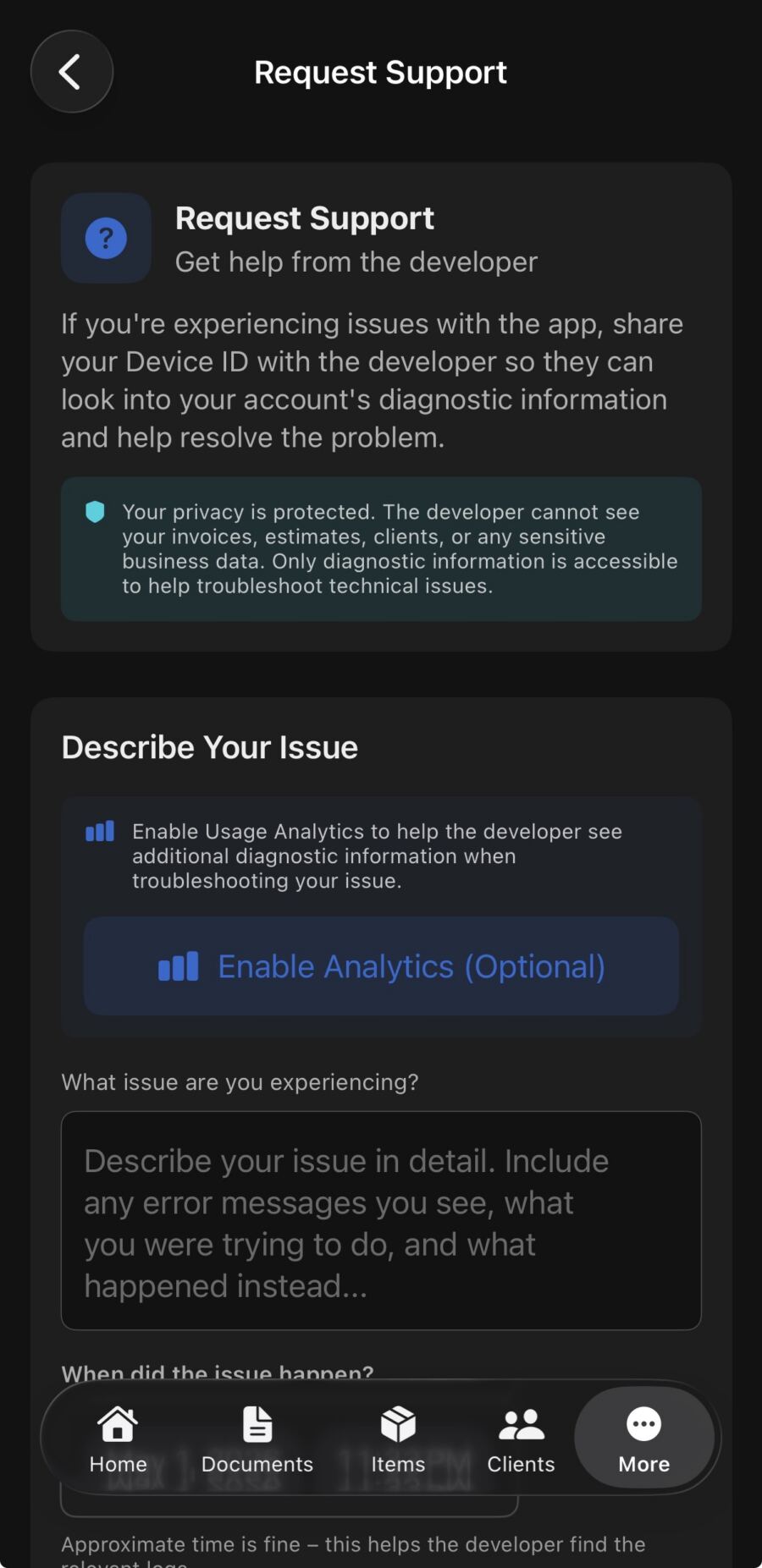
Ready to take control of your invoicing? Download InvoiceGenie Pro — the invoice app for contractors and freelancers — and send your first professional invoice today. In fact, thousands of contractors use InvoiceGenie Pro to collect payments faster, stay organized, and run their business with confidence. There’s no steep learning curve, and the clean mobile-first design has you up and running in minutes. Have questions or need help? Visit our FAQ page, check our step-by-step tutorials, or contact our support team.