

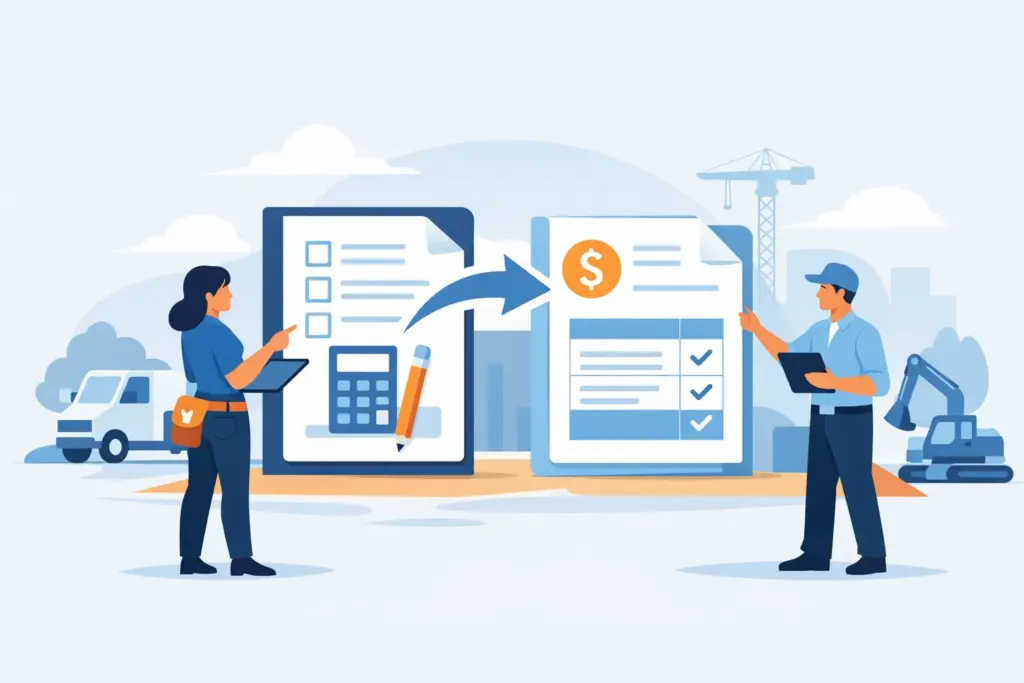
A customer approves the estimate while you are standing in their driveway. The work is done, the crew is packing up, and the best time to convert estimate to invoice is right then – before job details, added materials, and billable hours get buried under the next call.
For contractors and service pros, estimates should not become a second round of paperwork. They should become the starting point for an accurate invoice that shows the customer exactly what was agreed to, what changed, and how to pay. A fast conversion protects your cash flow, keeps records clean, and helps your business look as professional as the work you deliver.
Why convert an estimate to an invoice instead of starting over?
Rebuilding an invoice from scratch creates room for expensive mistakes. A line item can be missed. A discounted price can be changed accidentally. Your office might bill one amount while the technician remembers another. Even when the total is right, duplicate data entry burns time that could be spent on the next job.
When you convert an approved estimate, the customer information, scope of work, pricing, taxes, and terms carry forward. That gives you a clean baseline. You can then update the invoice for the actual work completed, including additional labor, parts, or approved changes.
This is especially useful for jobs that begin with a diagnostic visit or a straightforward quoted repair but grow once the issue is uncovered. A plumber may find a failed shutoff valve behind a cabinet. An HVAC technician may need an additional control board. A remodeler may receive a customer request for upgraded fixtures. The original estimate still matters, but the final invoice needs to reflect the real job.
The goal is not to make every job look exactly like the estimate. The goal is to preserve the approved scope while documenting the difference clearly.
When should you convert estimate to invoice?
The right moment depends on how you bill, but there are three common points in the workflow: after approval, when a deposit is due, or when the work is complete.
For smaller service calls, convert the estimate as soon as the customer approves and the work is finished. Send the invoice before leaving the site so the customer can pay while the value of the completed work is fresh.
For larger projects, an estimate may turn into a deposit invoice first. The remaining balance can be invoiced at a project milestone or at completion. This approach works well for remodels, equipment installs, and multi-day jobs where material purchases and crew hours need to be covered before the final walkthrough.
For time-and-material work, you may use an estimate to set expectations, then convert it once your final labor and materials are known. In that case, clear notes matter. The customer should be able to see which items were estimated and which were added based on the work required.
Waiting until the end of the week is usually the riskier option. Details get fuzzy, receipts stay in the truck, and the invoice becomes a task you have to recreate from texts, paperwork, and memory.
A field-ready process for converting estimates
A good workflow should work from a phone in a customer’s home, a parking lot, or the cab of your truck. It should take minutes, not another evening at the desk.
1. Confirm the approved scope
Before you change the estimate status, make sure the customer approved the price and scope. If approval happened by text, email, or in person, record it in the job notes. For work that has a larger budget or more moving parts, use a signature or written acceptance whenever possible.
This is not about creating red tape. It is about giving both sides a clear record of what was authorized. If a customer asks about the total later, you have the original agreement tied to the job.
2. Carry the estimate details into the invoice
The invoice should pull in the customer’s contact information, job address, line items, rates, discounts, taxes, and payment terms. Review the description of each item before sending. A short, specific description is better than a vague line like “repair work.”
For example, write “Replace failed condensate pump and test drainage operation” or “Install customer-selected kitchen faucet and replace two supply valves.” Clear descriptions reduce payment questions and make your records more useful at tax time.
Keep the estimate number or reference visible in the invoice history. It helps your team connect the final charge to the original proposal without hunting through old messages.
3. Add completed labor and job expenses
The estimate is your starting point, not a handcuff. Add actual labor hours, service fees, materials, permits, equipment rental, or disposal charges that belong on the final bill.
Accurate labor is one of the biggest opportunities for field-service businesses. If a second technician stayed an extra hour to finish a repair, that time needs to be captured before the crew moves to the next call. If your team tracks time by job, review the entries before you invoice so labor hours are not left behind.
The same goes for receipts. Take a photo when you buy the fitting, part, or supply. Attach it to the job record while you are still at the supplier or on site. You do not always need to show every receipt to the customer, but having the documentation organized protects your margin and makes bookkeeping easier.
4. Document change orders clearly
Changes are normal. Surprise charges are what create conflict.
If the job changes after the estimate was approved, explain the reason before doing the additional work whenever you can. Add a separate line item for the change rather than quietly altering the original estimate line. Include a short note such as “Additional drywall access required to repair leaking pipe – approved on site.”
For larger changes, send an updated estimate or change order for approval before adding it to the final invoice. For small, necessary repairs, a documented conversation and an itemized invoice may be enough. It depends on the job size, your contract terms, and your relationship with the customer.
The point is transparency. Customers are far more likely to pay promptly when they can see what changed and why.
5. Set payment terms that match the job
Payment terms should be easy to understand and appropriate for the work. A same-day due date is common for a completed service call. Net 15 or Net 30 may make sense for commercial accounts, property managers, or established clients with agreed billing cycles.
Do not bury payment instructions in a long paragraph. Show the amount due, due date, and accepted payment methods clearly. If you take card payments, ACH, PayPal, or another method, make it simple for the customer to choose.
The faster the customer can pay, the less time you spend following up. A professional payment request sent immediately after the job is often more effective than a reminder sent days later.
Common mistakes that slow down payment
The biggest mistake is sending an invoice that looks unfamiliar to the customer. If the estimate said one thing and the invoice says another, explain the difference. Do not assume the customer remembers every conversation that happened during a busy repair or project.
Another problem is leaving the invoice too generic. Customers want enough detail to recognize the work, especially when they are submitting it for reimbursement, sharing it with a landlord, or comparing it against the estimate. Detail does not mean clutter. It means plain-language line items and a useful job description.
Finally, avoid delaying the invoice because you are waiting for perfect paperwork. Get the bill out while the job is complete and the numbers are accurate. You can keep supporting documents, photos, time records, and receipts attached to the job record for your own operations and accounting needs.
Build the estimate-to-payment workflow into your day
The strongest process is the one your team can repeat without thinking. Create the estimate on site, get approval, track time as work happens, photograph receipts, and turn the completed job into an invoice before the next appointment takes over your attention.
InvoiceGenie Pro is built for that field workflow, giving service businesses a way to create estimates, track labor, capture expenses, convert documents, and request payment from a phone or web device. The benefit is not more software to manage. It is fewer loose ends between doing the work and getting paid for it.
A converted invoice should tell a clean story: this was the approved work, these were the necessary additions, this is what was completed, and this is how to pay. Make that story easy for every customer to understand, and your cash flow will have a much easier time keeping up with your workload.