

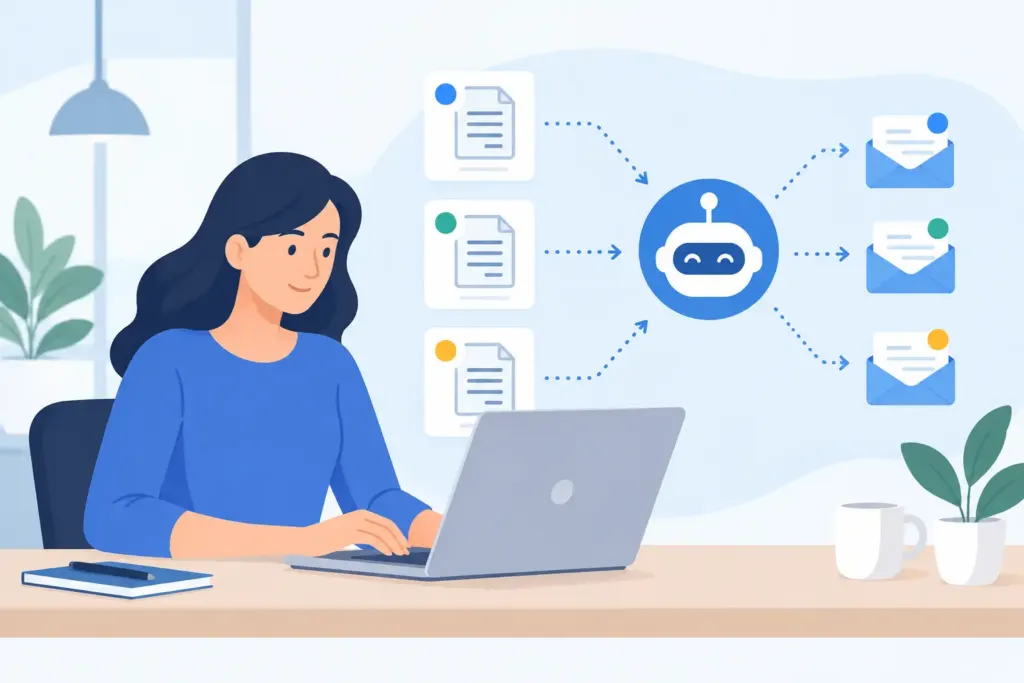
A completed job is not paid work until the money clears. When you are moving between customer sites, supervising a crew, or finishing paperwork from the truck, it is easy for overdue invoices to slip into the background. Learning how to automate invoice reminders gives every open invoice a follow-up process, even when your day is already full.
The goal is not to pester good customers. It is to make payment simple, visible, and consistent. A professional reminder sent at the right time often gets a faster response than a manual follow-up sent three weeks late, after the invoice has been buried in someone’s inbox.
Start with an invoice process worth automating
Automation works best when the invoice itself is clear. Before setting up reminders, make sure every invoice includes the job description, total due, due date, accepted payment methods, and a direct way to pay. If a customer has to call for payment instructions or ask what the charge covers, even the best reminder schedule will create extra back-and-forth.
For field-service work, send the invoice as soon as the job is completed or the milestone is approved. If your team tracks time, materials, and photos during the job, convert those records into the invoice while the details are fresh. The less time between finishing work and sending the bill, the less likely payment becomes a separate project.
Choose payment terms your customers can understand at a glance. “Due upon receipt” works well for small repair jobs and service calls. Net 15 or Net 30 may make more sense for commercial clients, general contractors, or repeat customers with an established billing process. The right terms depend on your market, but they should be consistent enough that your reminders never come as a surprise.
How to automate invoice reminders with a simple schedule
Set reminders based on the invoice due date, not on when you remember to check your accounts. A useful sequence has a clear purpose at each point: confirm the invoice was received, nudge before the due date, follow up after it passes, and escalate only when necessary.
For most service businesses, a four-step cadence is enough:
- Send the invoice immediately after the job or billing milestone is complete.
- Send a friendly reminder three to five days before the due date.
- Send a due-date message on the day payment is expected.
- Send escalating overdue reminders at 7, 14, and 30 days past due, with a personal follow-up assigned after a set point.
That schedule is not a rule for every customer. Homeowners paying for a $250 repair may need one quick prompt and a payment link. A property manager who processes invoices twice a month may need reminders timed around their accounts payable cycle. For larger projects, progress invoices and deposits need their own schedule so you are not waiting until final completion to collect a large balance.
The key is to decide the rules once. Your invoicing system should then send reminders automatically, stop them when payment is received, and show you which invoices still need a real conversation.
Write reminders that get paid, not ignored
Your first reminder should be helpful, not tense. Assume the customer is busy or missed the original invoice. State the invoice number, amount, due date, and payment options. Keep the message short enough to read on a phone.
A pre-due reminder might say: “Hi Jordan, a quick reminder that invoice #1048 for $680 is due on June 14. You can pay securely online using the payment option on your invoice. Thank you for your business.”
Once an invoice is overdue, be more direct while staying professional: “Hi Jordan, invoice #1048 for $680 is now 7 days past due. Please submit payment today, or contact us if there is a question about the invoice.” This gives the client a clear action and opens the door to resolve a legitimate dispute.
At 30 days overdue, do not keep sending the same friendly note. Reference your payment terms and assign someone to call, text, or review the account. Automation should handle routine follow-up. It should not replace judgment when a customer has a billing concern, cash-flow issue, or disputed scope of work.
Keep payment one tap away
A reminder without a payment option creates friction at the worst possible moment. Every message should lead customers directly to a secure, mobile-friendly payment page where they can use the method you accept, such as card, bank payment, or digital wallet.
This matters for service businesses because many payments happen after hours. A customer may open an invoice at 8:30 p.m. after getting home from work. If they can pay right then, you may collect the balance before the next day starts. If they need to mail a check, find a login, or call the office, the invoice can sit for another week.
Make sure paid invoices are marked automatically and reminders stop immediately. Nothing damages trust faster than receiving an overdue notice after submitting payment. If payments take time to settle, use language that acknowledges a payment is processing rather than treating the customer as late.
Segment customers when the rules should differ
One reminder schedule is a good starting point, but not every account deserves identical treatment. Separate customers by the way they pay and the work you perform for them. Residential clients, commercial accounts, recurring maintenance customers, and general contractors often operate on different timelines.
For example, a recurring HVAC maintenance customer may receive an invoice and a light reminder before autopay or a scheduled payment date. A general contractor may require a purchase order number, lien waiver, or approved change order before accounts payable can release payment. Sending reminders without those documents will not speed up cash flow. It will only create more calls.
Use customer notes and invoice history to spot patterns. If a client consistently pays on day 20 of Net 30 terms, they may not need a pre-due reminder. If another customer routinely misses due dates, shorten the payment terms for future work, request a deposit, or require payment at completion. Automation gives you the data to make those decisions instead of relying on memory.
Build a weekly exception check into the workflow
Invoice reminders reduce chasing, but they do not remove the need to manage receivables. Set aside a short weekly review from your phone or computer. Look at total overdue dollars, not just the number of unpaid invoices. One large commercial balance can matter more than ten small service calls.
Check for invoices that were viewed but not paid, invoices with failed payments, and invoices that are overdue despite multiple reminders. Those are your exceptions. A quick personal call may uncover a missing document, an approval delay, or a simple mistake before it turns into a 60-day problem.
Also watch for patterns inside your own process. If many invoices are overdue, the issue may be vague scope descriptions, unclear due dates, slow invoice delivery, or payment methods that do not match what clients prefer. Reminder automation is most valuable when it exposes the bottleneck, not when it merely sends more messages.
Connect field work, invoicing, and follow-up
The strongest reminder workflow starts before the invoice exists. When appointments, estimates, crew hours, receipts, and job notes live in separate places, billing gets delayed and customers receive incomplete invoices. That delay makes payment reminders harder to automate and harder to defend.
A mobile-first system such as InvoiceGenie Pro can help keep the job record connected from appointment to estimate to invoice, then send payment requests and track what is still open. When payment status, customer history, and job documents are visible in one place, you can handle exceptions from the field instead of waiting to get back to a desk.
If you sync financial records to QuickBooks Online, review how payment status and invoice updates flow between systems before turning on automation. Duplicate reminders or mismatched balances create confusion. Set one system as the source of truth for customer-facing invoice communication, then test the workflow with a few invoices first.
Give your process a human finish
Good automation is quiet. It sends the routine nudge, records the payment, and keeps your cash flow moving while you focus on the next job. But when a customer needs help, a real person should be easy to reach.
Set the reminders, make payment simple, and review exceptions every week. Then let your invoicing process do the chasing so you can spend more time doing work that gets billed, approved, and paid.