

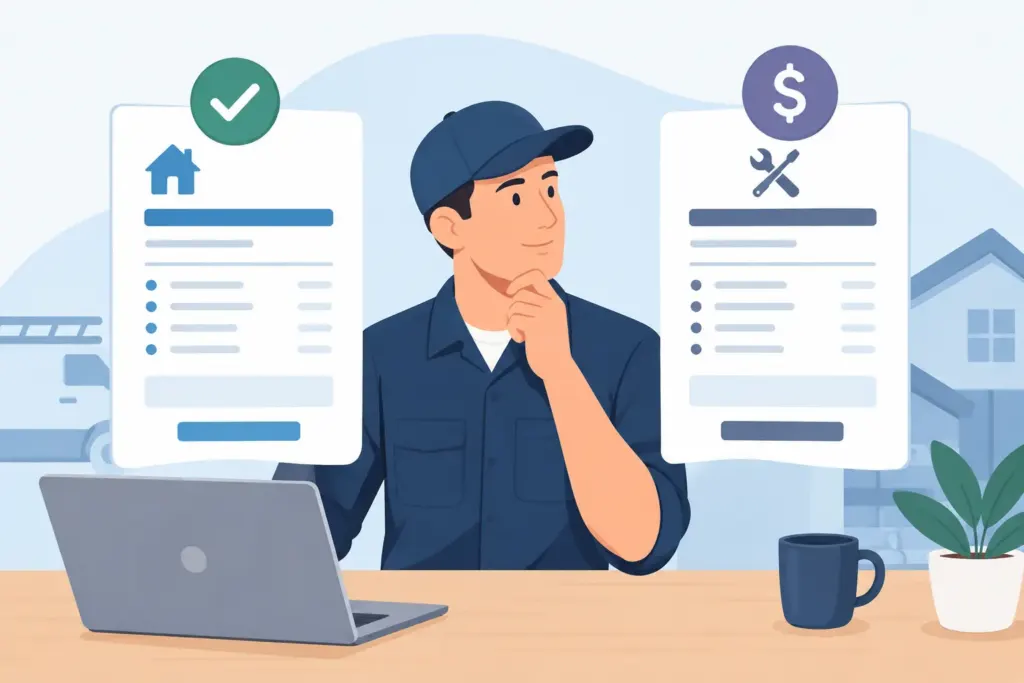
A customer asks for a price while you are standing in their driveway, looking at a leaking water heater or damaged electrical panel. You need to give them a clear next step, not guess which document to send. This estimates invoices comparison explains the difference in plain language, so you can quote work confidently, get approval, and bill without leaving money on the table.
Estimates vs. invoices: the jobsite difference
An estimate is a proposed price for work you may perform. It tells the customer what the job is expected to cost before they commit. An invoice is a request for payment for work you completed, materials you supplied, or a deposit that is now due.
That sounds simple, but mixing them up creates real problems. Send an invoice too early and a customer may feel like they are being charged before agreeing to the work. Keep sending estimates after the job is done and you may delay payment because the customer does not see a clear amount due or a way to pay it.
For most contractors and service businesses, the workflow should be straightforward: inspect the job, create an estimate, get approval, complete the work, then convert the approved estimate into an invoice. If the job requires a deposit, the invoice can request that deposit after the estimate is accepted.
The document is not just paperwork. It is the handoff between a sales conversation, the work your crew performs, and the money your business collects.
What an estimate should do before work begins
A good estimate sets expectations. It gives the customer enough detail to say yes with confidence and gives you a written record of what was discussed.
Include the customer name, job address, estimate number, issue date, and how long the quoted price is valid. Itemize labor, materials, equipment, permits, service call fees, and any optional upgrades when they matter. Add a plain-language scope of work so the customer understands what is included.
For example, an HVAC technician might estimate a condenser replacement with separate line items for equipment, refrigerant, labor, disposal, and permit costs. A remodeler may break out demolition, framing, tile, fixtures, and project management. The right amount of detail depends on the job. A small repair does not need a six-page proposal, but a large project should not be summarized as “bathroom work” with one lump-sum number.
Estimates protect the scope, not just the price
The price matters, but scope is where most disagreements begin. If a customer assumes drywall repair is included after plumbing work and it was never quoted, you have a problem even if the estimate total looked right.
Use notes to state exclusions, assumptions, and possible variables. You might note that hidden water damage, code upgrades, or customer-requested changes require written approval before extra work starts. That is not about sounding difficult. It is about making the next decision clear if the job changes.
For time-and-material jobs, an estimate can show an expected range rather than a fixed total. Be direct about how labor is billed, whether materials are marked up, and what could move the final price. A fixed-price quote can be better for a defined job. A range can be more honest when the wall has not been opened yet.
Approval should be easy to document
Verbal approval can work for a quick service call, but it is weak protection on larger jobs. Capture customer approval in writing whenever possible, along with the date and agreed terms.
A mobile workflow helps here. You can build the estimate at the site, show it to the customer before you leave, and save the accepted version to the job record. No lost carbon copy. No trying to recreate a conversation three weeks later from a text thread.
What an invoice should do after approval or completion
An invoice turns agreed work into an amount due. It should look professional, match the approved scope, and make payment simple.
Start with the customer and job details, an invoice number, invoice date, due date, and payment terms. Include the work performed and materials provided. If you are billing from an estimate, carry over those approved line items rather than retyping them. Then add any documented change orders or additional approved charges.
The invoice should clearly show the subtotal, taxes where applicable, deposits or prior payments, and the balance due. If the customer owes $1,250 after a $500 deposit, make that number impossible to miss.
Payment terms need a real deadline
“Due upon receipt” works for same-day service, especially when you can take a card, bank payment, or other approved method on the spot. For commercial clients or larger projects, you may use Net 15 or Net 30 terms. What matters is that the due date is specific and the customer knows how to pay.
Do not let a finished job sit in a notebook until the end of the week. Send the invoice while the work is fresh and the customer is satisfied. Faster invoicing usually means faster payment.
If you bill in stages, invoice at milestones that match the agreement: deposit, materials delivered, rough-in complete, final completion. Each invoice should state what that payment covers. This keeps cash flow steadier and prevents your business from financing an entire project out of pocket.
The estimates invoices comparison at a glance
The fastest way to remember the difference is this: an estimate asks, “Do you approve this work and expected price?” An invoice asks, “Please pay for this approved or completed work.”
An estimate is generally sent before work starts. Its total may be fixed or may change within stated conditions. It is centered on scope, pricing assumptions, and customer approval.
An invoice is sent when a payment is due. Its total should reflect actual approved charges. It is centered on payment terms, payment methods, and an accurate record of what your business delivered.
Both documents need consistent customer information, job details, itemized charges, taxes when required, and your business branding. But they serve different moments in the job. Treating them as separate documents makes your records cleaner and your customer communication stronger.
When an estimate becomes an invoice
The best systems do not make you start over. Once an estimate is approved, convert it into an invoice with the same job details, line items, notes, and customer information. That reduces duplicate entry and cuts down on billing mistakes.
Before you send it, review three things: Did the scope change? Did the customer approve any added work? Has the customer already paid a deposit? Those quick checks prevent the most common invoice errors.
For a simple repair, you may create an estimate and invoice during the same visit. A plumber can quote a replacement part, get approval, install it, and convert the estimate to a paid invoice before pulling away from the curb. For a remodel, conversion may happen weeks or months later as the project reaches its billing milestones.
The timing depends on your business model. The recordkeeping principle does not: keep the original estimate attached to the final invoice trail.
Common mistakes that slow down payment
Vague descriptions cause questions. “Labor” tells a customer very little. “Replace failed bathroom exhaust fan, install customer-approved unit, test operation” tells them exactly what they are paying for.
Another problem is sending a final invoice that does not match the approved estimate without explaining why. If material costs changed or the customer authorized extra work, show those items separately and reference the approval. Surprises lead to delayed payments, even when the charge is legitimate.
Contractors also lose revenue when crew time stays disconnected from billing. If two technicians spend four hours on a job but only one person’s time reaches the invoice, the job may look profitable on paper while quietly draining margin. Track time by job, review it before billing, and keep supporting notes or photos where they belong.
Finally, avoid scattered records. An estimate in a text message, a deposit in a payment app, receipts in a glove box, and an invoice in a separate spreadsheet creates a mess at tax time and during customer disputes.
Build a field-to-payment workflow that holds up
Your process should work from a phone, because that is where many decisions happen. Create the estimate at the jobsite, attach relevant photos or receipts, collect approval, track labor as the work happens, and turn the approved work into an invoice as soon as payment is due.
InvoiceGenie Pro is built for that kind of field workflow. You can create branded estimates and invoices, convert documents without re-entering job details, track crew time, accept payments, and keep records organized for QuickBooks Online. The goal is not more admin. It is fewer missed charges, fewer payment delays, and a cleaner view of every job.
Your estimate earns the work. Your invoice collects the revenue. Keep both clear, connected, and ready when the customer asks what happens next.